Retro shots have a charm that feels both nostalgic and timeless. They blend a vintage vibe with a touch of personal style, and one of the easiest ways to enhance that mood is through subtle hair shade adjustments. If your look is off because of unwanted gray strands or mismatched tones, there’s a simple way to fix it without spending hours in a salon. That’s where knowing how to remove gray hair RetouchMe can completely change your results. It’s quick, precise, and keeps your retro aesthetic intact.

Choosing the Right Hair Shade for a Retro Feel
Before you start any styling, decide what kind of retro look you’re aiming for. Dark, glossy shades work well for old Hollywood glamour, while warm tones suit a 70s bohemian style. Don’t overdo the color shift – too much change can make the picture feel artificial.
Here are a few things to consider when picking the right tone:
- Match with your wardrobe. Your hair shade should complement the colors of your outfit, not compete with them.
- Consider lighting conditions. Warm light brings out rich browns and reds, while cooler light enhances ash or platinum shades.
- Think about the background. A lighter backdrop works best with deeper shades, while darker scenes pop with softer tones.
Balancing these elements will make your retro shots feel authentic instead of staged.
Using RetouchMe for Natural Hair Adjustments
RetouchMe makes hair shade tweaks feel effortless. You simply upload your picture, choose the “Cover gray hair” option in the Face category, and the team works on it manually. That’s why results come out natural instead of overly processed. It’s a small change, but it makes a huge difference in the final image.
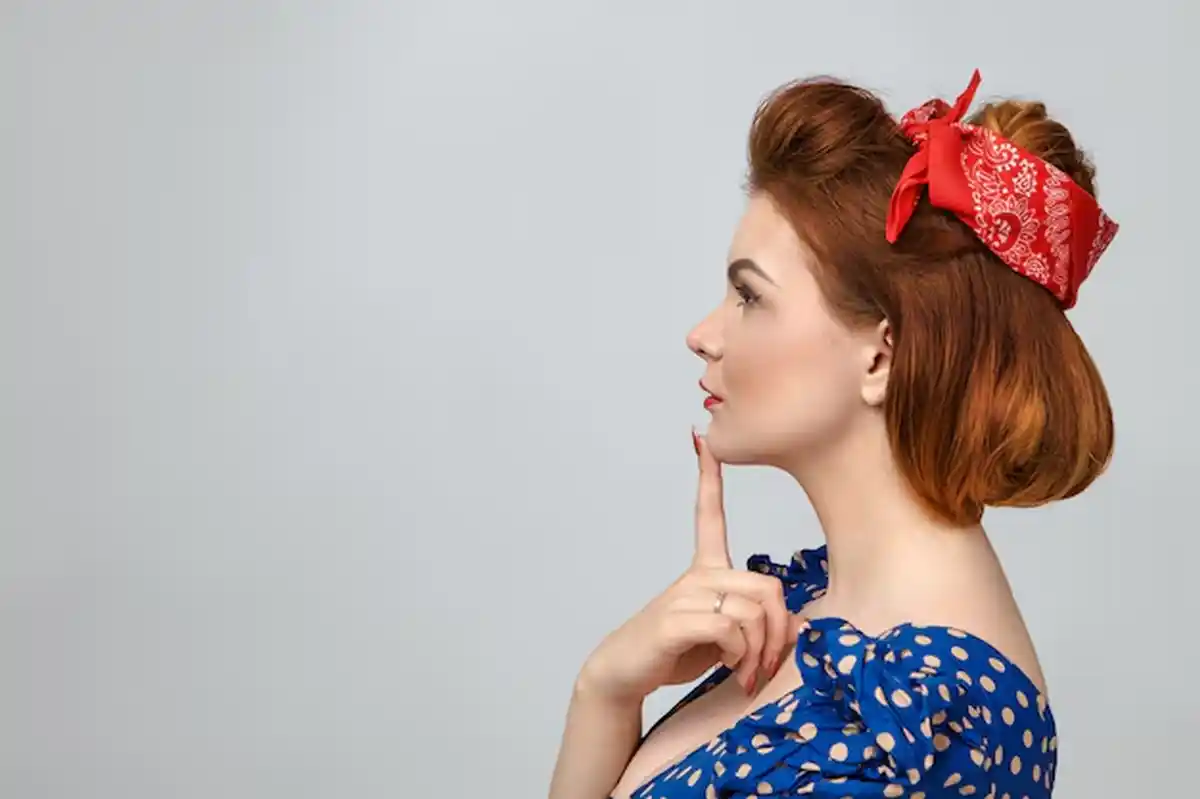
You can enhance your retro style using this approach in more than one way:
- Restore vibrancy. If your hair looks dull or washed out, a subtle refresh will bring it back to life without altering your style.
- Blend out grays. Keep the charm of your look while removing distracting silver strands that can pull focus away from your outfit or setting.
- Fine-tune shade balance. Adjusting highlights and lowlights can make your hair blend better with your chosen retro vibe.
- Keep it authentic. Since edits are handled by real designers, they’ll preserve the natural flow of your hair texture.
This makes it easy to match the exact mood you’re aiming for, whether it’s classic film noir or laid-back 80s.
Bringing the Whole Retro Look Together
Hair shade is just one piece of the puzzle. Retro shots come alive when everything works together – your hairstyle, clothing, and surroundings all tell the same story. A perfectly adjusted hair tone can tie those elements into a single, polished composition.
For a truly convincing retro feel, pay attention to textures and contrasts in your setup. Soft curls paired with warm lighting give an old-school charm, while sleek waves and sharper shadows lean toward a high-fashion vintage style. With RetouchMe, you can make quick yet precise adjustments that complete the look without losing its natural appeal. The result is a shot that feels like it was taken decades ago but still resonates today.