Are you looking for the best MP3 downloader in 2024? If so, you’re in the right place! With so many options available, it can be hard to choose the right one. In this article, we will help you find the best MP3 downloader for your needs. In this article, we list and describe the 20 best MP3 downloader websites available in 2024. We explain their features and how they work. This helps you choose the best one for your needs.
List of 20 Best MP3 Downloader in 2024:

1. YTMP3
YTMP3 is a popular MP3 downloader. It is very simple to use. You just need to copy the URL of the video you want to download. Then, paste it into the YTMP3 website. Click the convert button. The site converts the video to MP3 format. You can then download the MP3 file.
Features:
- Easy to use
- Fast conversion
- No registration required
Pros:
- Free to use
- No need to install software
Cons:
- Limited to YouTube videos
- Ads on the website
YTMP3 stands out because of its simplicity. You do not need to create an account. This makes it quick and easy to use. However, it only works with YouTube videos. This can be a limitation if you want to download from other sites. The ads on the website can also be annoying. Despite these drawbacks, YTMP3 is still a top choice for many users.

2. 4K Video Downloader
4K Video Downloader is a powerful tool. It allows you to download videos and convert them to MP3. You can use it for videos from YouTube, Vimeo, and other sites. It is available for Windows, macOS, and Linux.
Features:
- Supports multiple sites
- High-quality downloads
- Batch downloading
Pros:
- Easy to use
- Supports many video formats
Cons:
- Free version has limitations
- Paid version can be expensive
4K Video Downloader is great for those who need high-quality downloads. It supports many video sites, which is a big advantage. You can download entire playlists or channels with the batch downloading feature. However, the free version has some limitations. You may need to buy the paid version to access all features. This can be costly, but the quality and functionality make it worth considering.

3. Any Video Converter
Any Video Converter is a versatile software. It can convert videos to MP3. You can download videos from YouTube, Facebook, and other sites. It is available for Windows and macOS.
Features:
- Supports many video and audio formats
- High-speed conversion
- Built-in video editor
Pros:
- Free version available
- Supports multiple languages
Cons:
- Paid version required for some features
- Can be complex for beginners
Any Video Converter offers a lot of functionality. It supports many formats, making it very versatile. The built-in video editor is a useful feature. However, some features are only available in the paid version. The software can also be a bit complex for beginners. Despite this, it is a powerful tool for those who need advanced features.

4. Freemake Video Converter
Freemake Video Converter is another great tool. It allows you to download and convert videos to MP3. It supports many video sites. It is available for Windows.
Features:
- Supports over 500 formats
- Easy to use
- Fast conversion
Pros:
- Free to use
- No registration required
Cons:
- Ads in the free version
- Limited features in the free version
Freemake Video Converter is known for its ease of use. It supports a wide range of formats, which is very helpful. The free version includes ads, which can be annoying. Some features are limited in the free version. Despite this, it is a good choice for those who need a reliable converter.

5. Y2Mate
Y2Mate is a simple and effective MP3 downloader. You can use it to download videos from YouTube and convert them to MP3. It works directly from your web browser.
Features:
- Easy to use
- Fast downloads
- No software installation required
Pros:
- Free to use
- Supports many video sites
Cons:
- Ads on the website
- Limited to YouTube videos
Y2Mate is very user-friendly. You do not need to install any software, which is convenient. It supports many video sites, making it versatile. However, it is primarily designed for YouTube videos. The ads on the website can be a bit distracting. Overall, it is a good option for quick and easy downloads.

6. ClipGrab
ClipGrab is a free downloader and converter. It supports YouTube, Vimeo, and other sites. You can convert videos to MP3 easily. It is available for Windows, macOS, and Linux.
Features:
- Supports many video sites
- High-quality downloads
- Easy to use
Pros:
- Free to use
- No registration required
Cons:
- Limited features
- Ads in the software
ClipGrab is straightforward and effective. It supports a variety of sites, which is very useful. The downloads are high quality, which is a plus. However, it has some limitations in terms of features. The ads in the software can be annoying. Despite this, ClipGrab is a reliable choice for many users.
7. MP3 Rocket
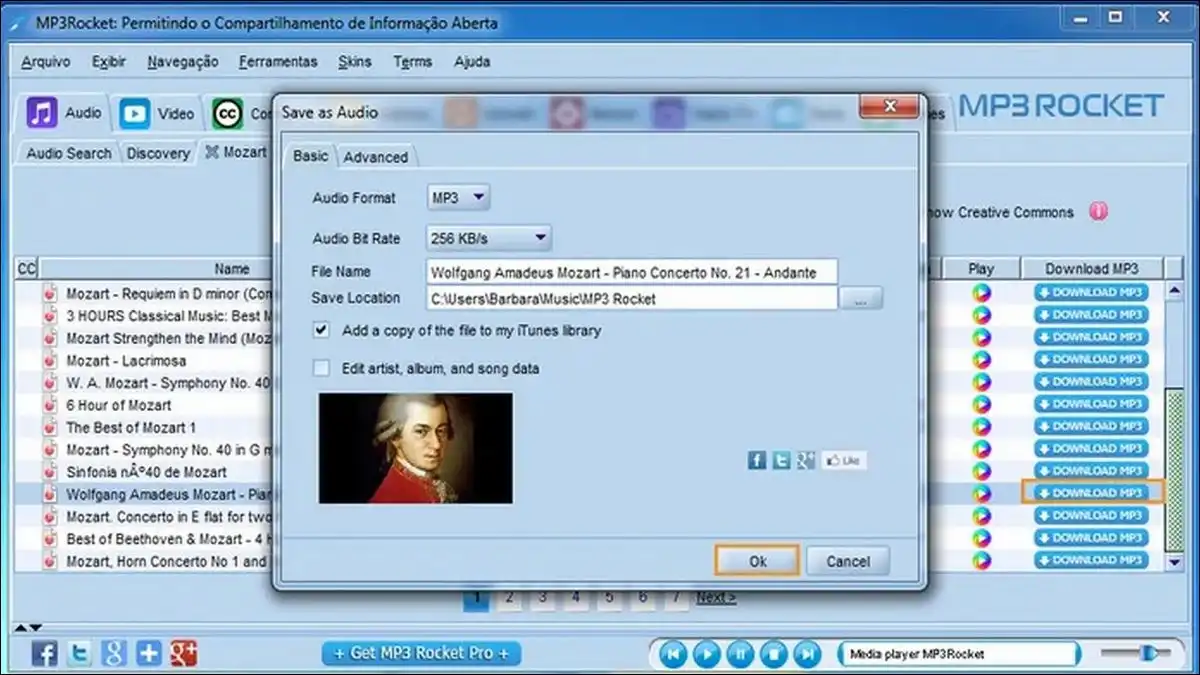
MP3 Rocket is a fast and easy-to-use downloader. You can convert videos to MP3 in seconds. It supports YouTube and other video sites. It is available for Windows.
Features:
- High-speed downloads
- Easy to use
- Supports many video sites
Pros:
- Free version available
- Supports HD video downloads
Cons:
- Ads in the free version
- Limited features in the free version
MP3 Rocket is known for its speed. You can download and convert videos very quickly. It supports many video sites, which is a big advantage. The free version includes ads, which can be a downside. Some features are limited in the free version. Despite this, it is a popular choice for its speed and ease of use.

8. aTube Catcher
aTube Catcher is a powerful downloader. It supports many video sites. You can convert videos to MP3 easily. It is available for Windows.
Features:
- Supports many video sites
- High-speed downloads
- Built-in screen recorder
Pros:
- Free to use
- Supports multiple formats
Cons:
- Ads in the software
- Limited features
aTube Catcher is very versatile. It supports a wide range of video sites, which is useful. The built-in screen recorder is a nice feature. The software includes ads, which can be annoying. Some features are limited, but it is still a solid choice for many users.

9. Online Video Converter
Online Video Converter is a web-based tool. It allows you to download and convert videos to MP3. It supports many video sites. You can use it directly from your browser.
Features:
- Easy to use
- Fast downloads
- No software installation required
Pros:
- Free to use
- Supports many video sites
Cons:
- Ads on the website
- Limited features
Online Video Converter is very convenient. You do not need to install any software, which is a big plus. It supports many video sites, making it versatile. However, the ads on the website can be distracting. The features are somewhat limited, but it is still a good option for quick downloads.

10. Vidmate
Vidmate is a popular downloader app. You can download and convert videos to MP3 easily. It supports YouTube, Facebook, and other sites. It is available for Android.
Features:
- Supports many video sites
- High-speed downloads
- Easy to use
Pros:
- Free to use
- Supports HD video downloads
Cons:
- Not available on the Google Play Store
- Ads in the app
Vidmate is known for its speed and ease of use. It supports a wide range of video sites, which is very useful. The high-speed downloads are a big advantage. However, it is not available on the Google Play Store. The ads in the app can be a bit annoying. Despite this, it is a popular choice for Android users.

11. Snaptube
Snaptube is a user-friendly downloader app. You can download and convert videos to MP3 quickly. It supports YouTube, Facebook, and other sites. It is available for Android.
Features:
- Supports many video sites
- High-speed downloads
- Easy to use
Pros:
- Free to use
- No registration required
Cons:
- Ads in the app
- Not available on the Google Play Store
Snaptube is very easy to use. You do not need to create an account, which is convenient. It supports a wide range of video sites. The high-speed downloads are a big plus. However, the ads in the app can be annoying. It is also not available on the Google Play Store. Despite these drawbacks, it is a good choice for many users.

12. KeepVid
KeepVid is a reliable downloader. You can download and convert videos to MP3 easily. It supports YouTube, Vimeo, and other sites. It is available for Windows and macOS.
Features:
- Supports many video sites
- High-quality downloads
- Easy to use
Pros:
- Free version available
- No registration required
Cons:
- Limited features in the free version
- Ads in the software
KeepVid is known for its reliability. It supports a wide range of video sites, which is very useful. The high-quality downloads are a big advantage. The free version includes ads, which can be annoying. Some features are limited in the free version. Despite this, it is a solid choice for many users.

13. FLVTO
FLVTO is a simple and fast downloader. You can convert videos to MP3 in seconds. It supports YouTube and other video sites. It works directly from your web browser.
Features:
- Easy to use
- Fast downloads
- No software installation required
Pros:
- Free to use
- Supports many video sites
Cons:
- Ads on the website
- Limited features
FLVTO is very user-friendly. You do not need to install any software, which is convenient. It supports many video sites, making it versatile. However, the ads on the website can be distracting. The features are somewhat limited, but it is still a good option for quick downloads.

14. YTD Video Downloader
YTD Video Downloader is a versatile tool. You can download and convert videos to MP3 easily. It supports YouTube, Vimeo, and other sites. It is available for Windows and macOS.
Features:
- Supports many video sites
- High-speed downloads
- Easy to use
Pros:
- Free version available
- Supports HD video downloads
Cons:
- Ads in the free version
- Limited features in the free version
YTD Video Downloader is known for its speed. You can download and convert videos very quickly. It supports many video sites, which is a big advantage. The free version includes ads, which can be a downside. Some features are limited in the free version. Despite this, it is a popular choice for its speed and ease of use.
15. iTubeGo
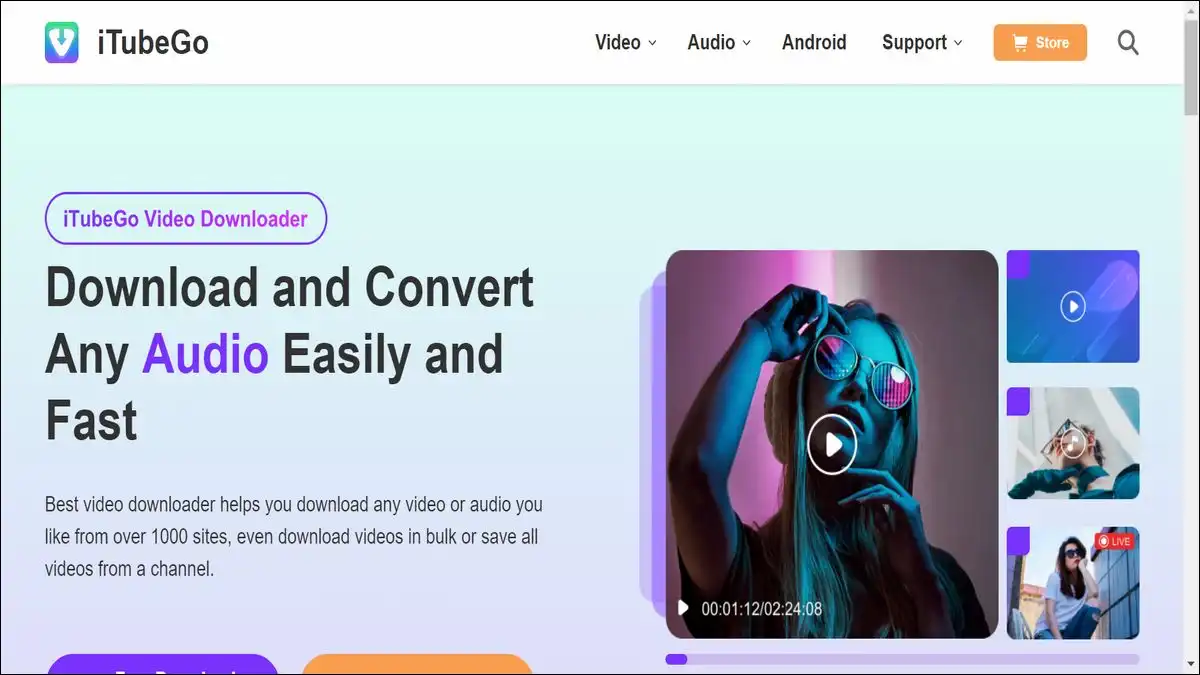
iTubeGo is a powerful downloader and converter. You can download and convert videos to MP3 easily. It supports YouTube, Facebook, and other sites. It is available for Windows and macOS.
Features:
- Supports many video sites
- High-quality downloads
- Batch downloading
Pros:
- Free version available
- Supports multiple formats
Cons:
- Paid version required for some features
- Can be complex for beginners
iTubeGo offers a lot of functionality. It supports many formats, making it very versatile. The high-quality downloads are a big advantage.
The batch downloading feature is also very useful. However, some features are only available in the paid version. The software can also be a bit complex for beginners. Despite this, it is a powerful tool for those who need advanced features.

16. YouTube to MP3 Converter
YouTube to MP3 Converter is a web-based tool. It allows you to download and convert videos to MP3. It supports YouTube and other video sites. You can use it directly from your browser.
Features:
- Easy to use
- Fast downloads
- No software installation required
Pros:
- Free to use
- No registration required
Cons:
- Ads on the website
- Limited features
YouTube to MP3 Converter is very convenient. You do not need to install any software, which is a big plus. It supports many video sites, making it versatile. However, the ads on the website can be distracting. The features are somewhat limited, but it is still a good option for quick downloads.
17. WinX YouTube Downloader
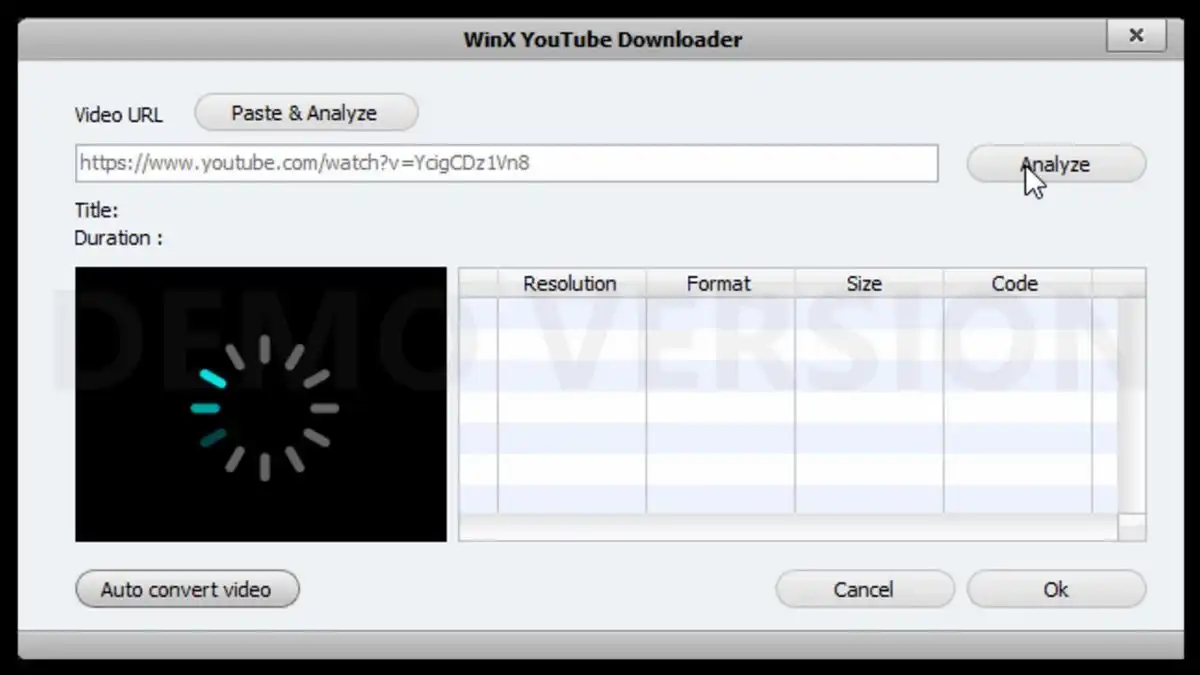
WinX YouTube Downloader is a powerful tool. You can download and convert videos to MP3 easily. It supports YouTube, Facebook, and other sites. It is available for Windows and macOS.
Features:
- Supports many video sites
- High-quality downloads
- Batch downloading
Pros:
- Free to use
- No registration required
Cons:
- Limited features
- Ads in the software
WinX YouTube Downloader is very reliable. It supports a wide range of video sites, which is useful. The high-quality downloads are a big advantage.
The batch downloading feature is also very helpful. However, the features are somewhat limited. The ads in the software can be annoying. Despite this, it is a solid choice for many users.

18. Free YouTube to MP3 Converter
Free YouTube to MP3 Converter by DVDVideoSoft is a reliable downloader. You can convert YouTube videos to MP3 easily. It is available for Windows and macOS.
Features:
- High-speed downloads
- Easy to use
- Supports multiple formats
Pros:
- Free to use
- No registration required
Cons:
- Limited to YouTube videos
- Ads in the software
Free YouTube to MP3 Converter is very straightforward. You can download and convert videos quickly. It supports multiple formats, which is useful. However, it is limited to YouTube videos. The ads in the software can be annoying. Despite this, it is a good option for many users.
19. MP3hub
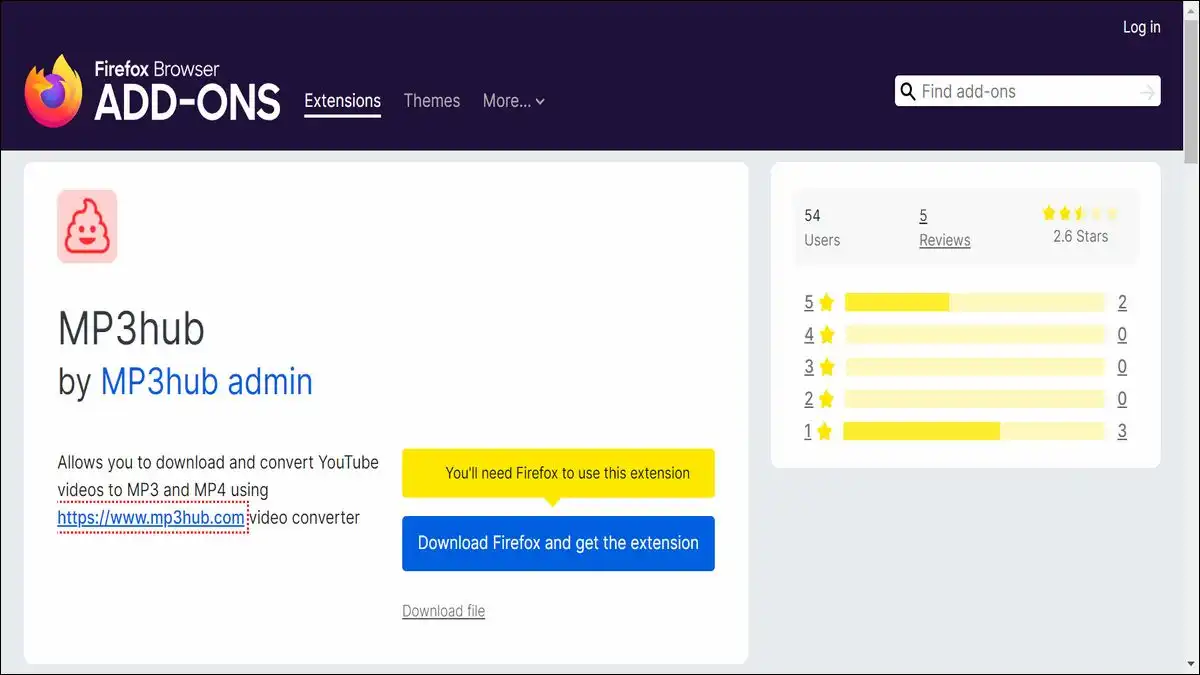
MP3hub is a web-based downloader. You can convert videos to MP3 easily. It supports YouTube and other video sites. You can use it directly from your browser.
Features:
- Easy to use
- Fast downloads
- No software installation required
Pros:
- Free to use
- Supports many video sites
Cons:
- Ads on the website
- Limited features
MP3hub is very user-friendly. You do not need to install any software, which is convenient. It supports many video sites, making it versatile.
However, the ads on the website can be distracting. The features are somewhat limited, but it is still a good option for quick downloads.
20. MP3Juices
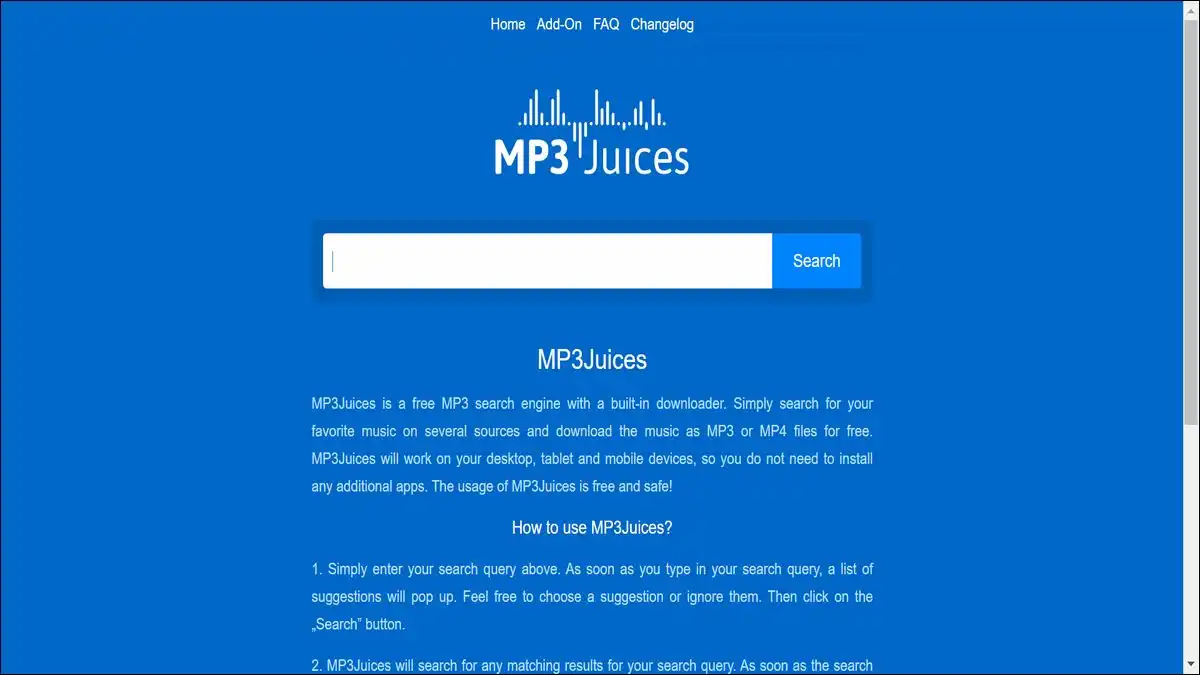
MP3Juices is a simple and fast downloader. You can convert videos to MP3 in seconds. It supports YouTube and other video sites. It works directly from your web browser.
Features:
- Easy to use
- Fast downloads
- No software installation required
Pros:
- Free to use
- Supports many video sites
Cons:
- Ads on the website
- Limited features
MP3Juices is very straightforward. You do not need to install any software, which is convenient. It supports many video sites, making it versatile. However, the ads on the website can be distracting. The features are somewhat limited, but it is still a good option for quick downloads.
How to choose the Right MP3 Downloader
With so many options available, choosing the right MP3 downloader can be challenging. Here are some factors to consider:
Ease of Use
Look for a downloader that is easy to use. You do not want to spend a lot of time figuring out how it works. The best tools have a simple and intuitive interface.
Supported Sites
Consider the sites you want to download from. Some downloaders are limited to YouTube, while others support multiple sites. Choose a tool that supports the sites you use most often.
Download Speed
Speed is important, especially if you download a lot of videos. Look for a downloader that offers high-speed downloads. This saves you time and allows you to download more content quickly.
Quality
Make sure the downloader can provide high-quality downloads. You do not want to sacrifice quality for speed. Look for a tool that offers high-resolution video and audio downloads.
Features
Consider the features you need. Some downloaders offer advanced features like batch downloading, video editing, and format conversion. Choose a tool that meets your specific needs.
Ads and Limitations
Many free downloaders come with ads and limitations. This can be annoying and limit your functionality. Consider whether you are willing to deal with ads or if you prefer a paid version with more features and no ads.
Compatibility
Make sure the downloader is compatible with your device. Some tools are only available for Windows, while others support macOS and Linux. There are also many options for Android users.
Legal Considerations
It is important to consider the legal implications of downloading MP3 files. Many sites have copyright protections, and downloading content without permission can be illegal. Always make sure you have the right to download the content. Consider using legal download sites and services to avoid any legal issues.
Conclusion
In conclusion, many great MP3 downloaders are available in 2024. Each has its own features and benefits. Whether you want a simple web-based tool or a powerful software application, you can find the perfect downloader for your needs. By choosing one of the options from our list, you can easily download and convert videos to MP3 format.
This allows you to enjoy your favorite music offline. Remember to consider factors like ease of use, supported sites, download speed, quality, features, and legal considerations when choosing a downloader. With the right tool, you can have all your favorite music at your fingertips, ready to listen to anytime, anywhere.