hold on good condition the router, without there being things that interfere, it will allow that when you connect with the mobile, computer or any device, the connection works better. It is not only necessary to have it updated, protected from intruders and well configured, but also to prevent third-party devices from affecting it.
Avoid all this near the router
The wifi signal it does not always arrive where we need it and mainly affects the distance. But even if we are within the coverage range, in case the connection is slow, cut a lot or you cannot connect at all, you should look at what you have near the router and see if there is something that could be affecting it.
Devices that use Bluetooth
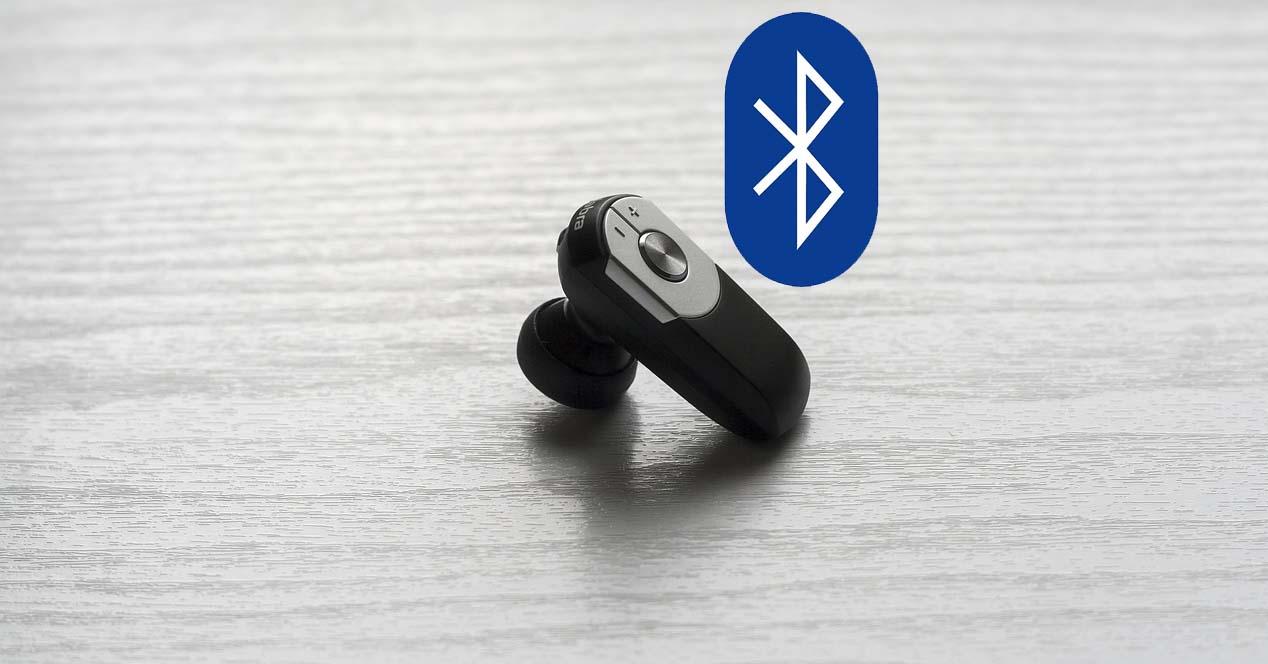
He bluetooth works on the 2.4 GHz frequency, so it may affect Wi-Fi. It is true that Wi-Fi also has the 5 GHz band, but if you connect to the 2.4 GHz band, which is ideal for using devices from further away, you could have interference problems.
Therefore, any device that uses Bluetooth, such as headphones, controls or any sensor, it is better that you move them away from the router. That will help you reduce interference and the connection will work better.
other electronics
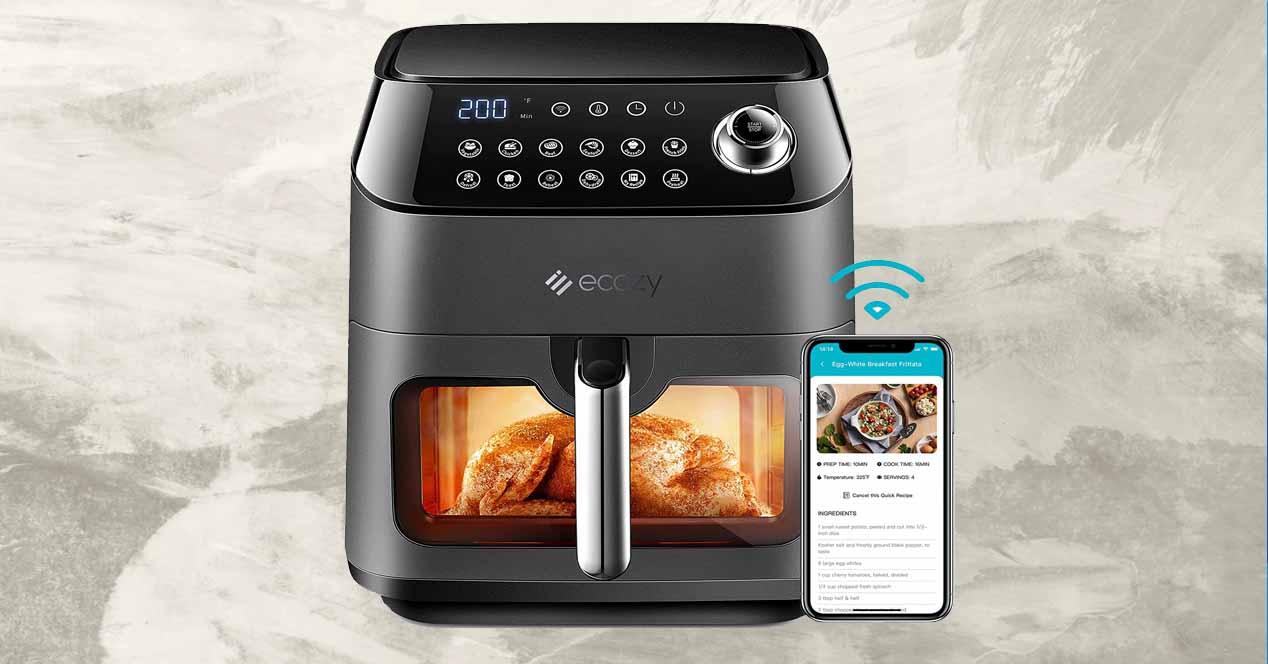
you shouldn’t have either devices near the router. For example a television, a video player, etc. It is quite common to put the router precisely close to these devices, but it is actually a mistake. They can affect the quality of the signal and even shorten the useful life of the device.
It’s mostly a bug due to overheating. If, for example, you put the router next to the television, it is more likely that it will overheat. That will affect performance and might even stop working. It will not only affect the wireless network, but also in case you connect via cable.
Windows with direct light
Another mistake is to put it near a window where it receives direct sunlight every day. Once again, overheating is the problem. Especially in the summer months, it can get excessively hot and that will make it work worse, the Wi-Fi will reach less far, you will have to restart it from time to time…
It is best to put it in a cool, dry place, isolated from any source of heat. Any electronic device or a window with sunlight will cause it to get too hot and it will always work worse.
metal plates
If there is something that affects Wi-Fi it is the metal. Having a metal piece of furniture near the router, for example, will make the signal reach worse. It’s going to block it and make it so you can’t connect other devices wirelessly. The same thing can happen if you have an appliance with a large sheet metal or any sheet metal.
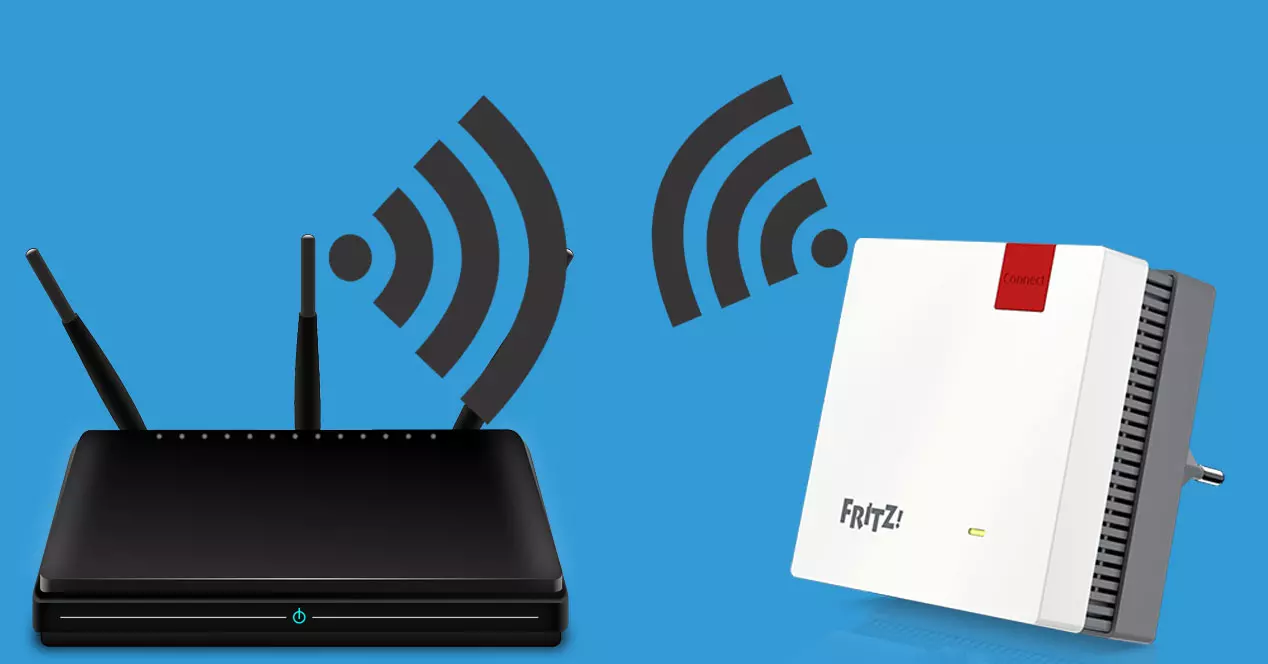
Although there are many materials that will affect Wi-Fi, metal is one of the most. You should move it as far away as you can and thus get the signal to work better, without annoying cuts and loss of coverage. Of course, sometimes there will be no choice but to use good Wi-Fi repeaters.
As you can see, keeping the router away from certain things is going to be key to improving the wireless signal at home. Check very well where you are going to put it and if you see that your Wi-Fi is going badly, some small changes that you make can be very useful.