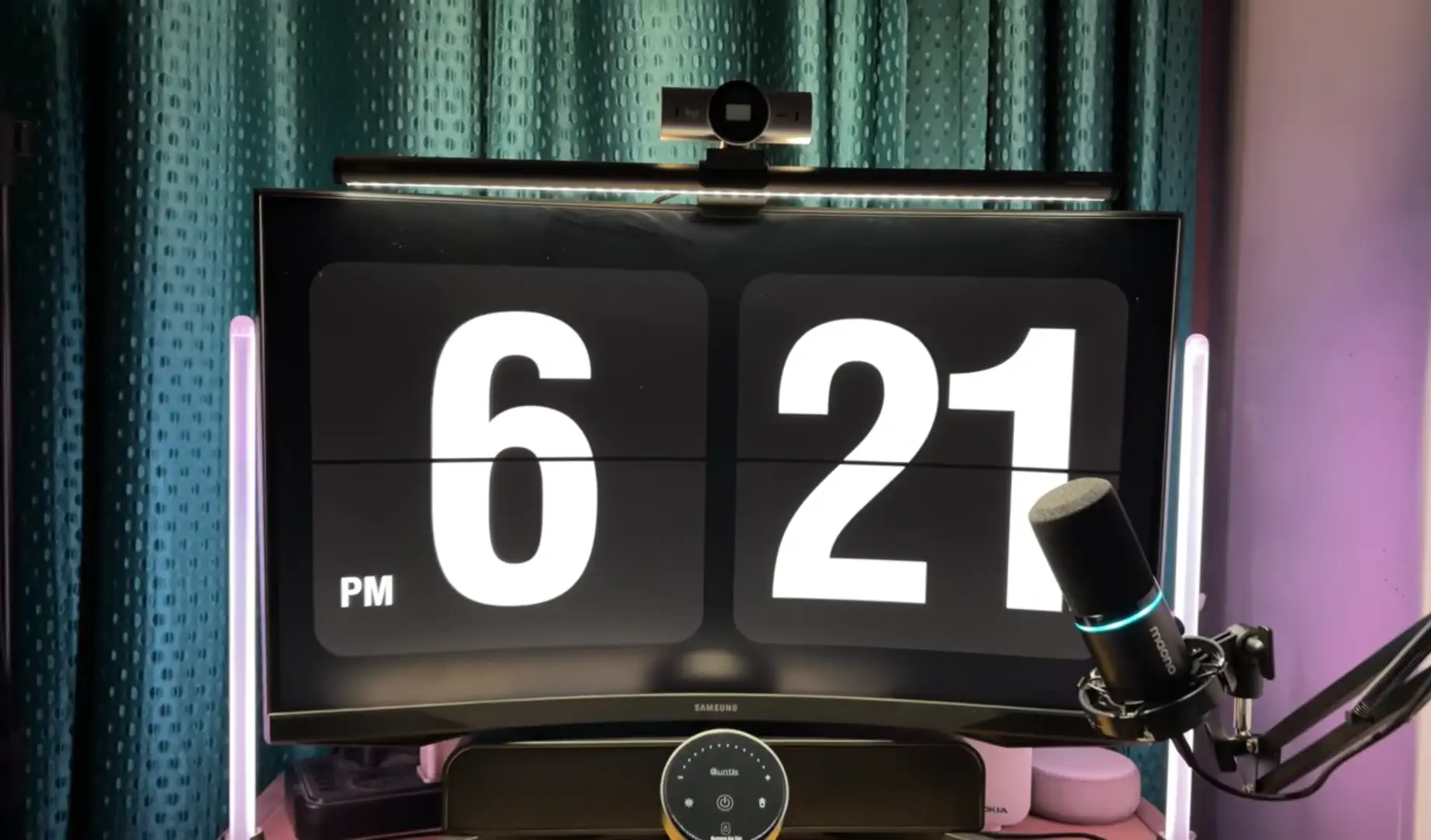
The Quntis Monitor Light Bar Glow 51 cm is a monitor-mounted desk light for people who want better task lighting without giving up desk space.
It combines a 51 cm front light with rear ambient lighting. Quntis rates it at 900 lux center illuminance and Ra95, with adjustable color temperature from 3000K to 6500K. It also supports stepless dimming and comes with a wireless remote.
Those specifications look promising. However, they don’t tell us how the light actually feels across a working desk.
So, that’s what matters most here. We’ll look at the exact G51GY model, its real-world coverage, glare behavior, controls, build, and the areas where its specifications need some context.
Is the Quntis Glow 51 cm Bright Enough?
Yes, it can provide plenty of light for the immediate working area, but 900 lux doesn’t mean your whole desk receives 900 lux.
Quntis’s 900-lux figure is a center illuminance measurement. In other words, it’s the brightness measured at a specific point rather than across the entire desk.
That’s important because light naturally becomes less intense as you move away from the strongest part of the beam.
Independent hands-on testing of the exact 51 cm model also puts its output into perspective. TechPorn used the Glow for several weeks and described it as a practical replacement for a DIY desk-lighting setup. The reviewer also found the build solid and the color temperature consistent across viewing angles.
So, if you’re looking for light around your keyboard, notebook, and nearby work surface, the Glow 51 cm can make sense.
It’s not meant to replace your room’s main lighting.
What Does the Glow 51 cm Actually Offer?
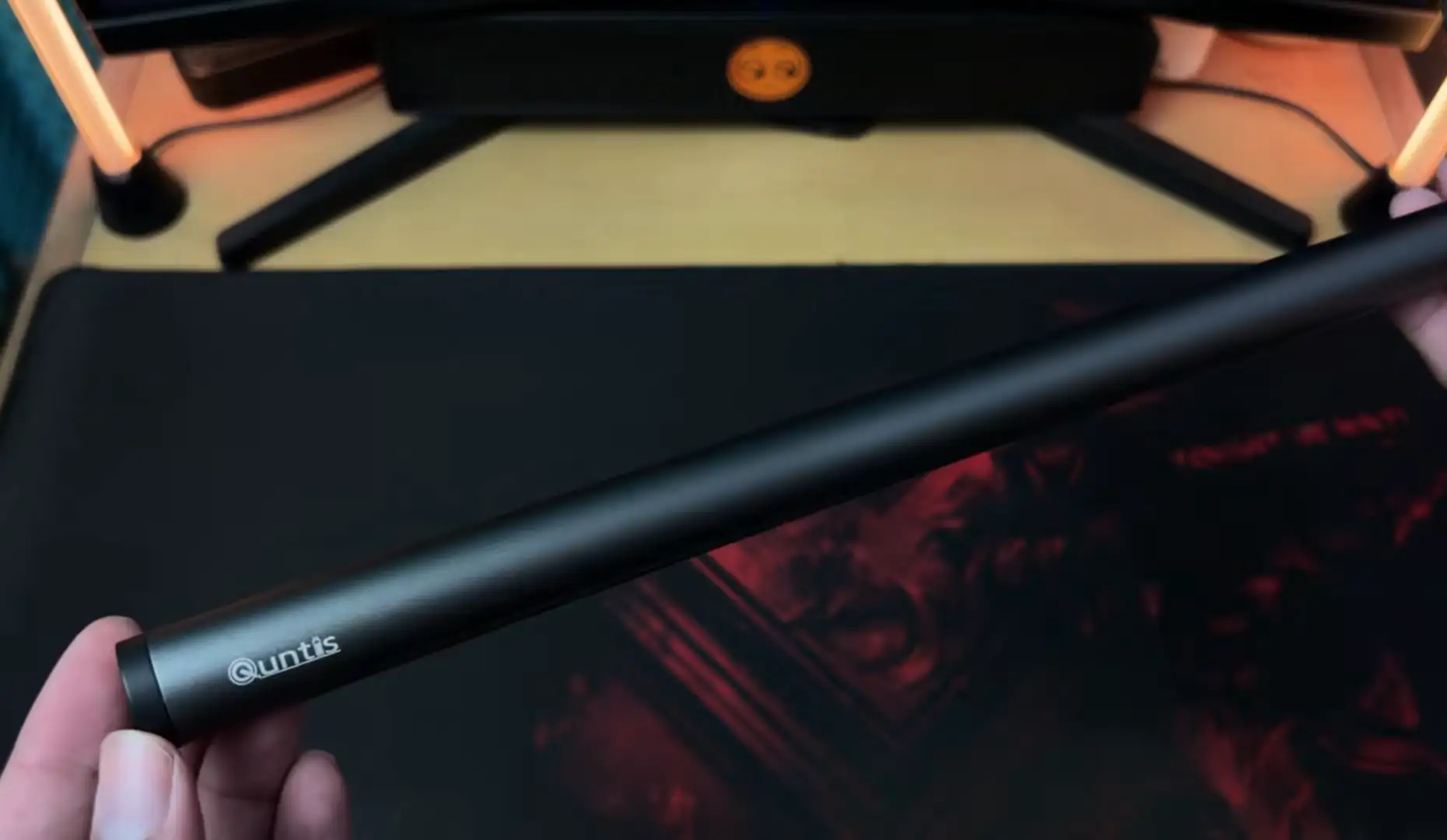
The G51GY is built for 17- to 32-inch monitors and supports both flat and curved displays within Quntis’s stated compatibility range. Its exact model number is LI-HY-0212-GY, with the variant code G51GY.
Here’s what Quntis lists for the model:
| Specification | Quntis Glow 51 cm |
| Model | LI-HY-0212-GY |
| Variant | G51GY |
| Length | 51 cm / 20.1 inches |
| Monitor size | 17–32 inches |
| Monitor thickness | 0.3–7 cm |
| Lighting | Front + rear |
| Center illuminance | 900 lux |
| CRI | Ra95 |
| Color temperature | 3000K–6500K |
| Dimming | Stepless |
| Control | Wireless remote |
| Material | Aluminum + ABS |
| Power | 7.5 W |
| Input | 5 V / 1.5 A |
The exact variant matters because Quntis sells several light bars with similar names.
So, when you’re comparing reviews or prices, checking the G51GY model code can save you from accidentally comparing a different product.
How Much of the Desk Does It Really Cover?
The 51 cm length gives the Glow a useful working area, but the brightest illumination remains concentrated around the center.
That’s simply how this type of light behaves.
The bar can put useful light over your keyboard, mouse area, and nearby documents. However, the edges won’t receive the same intensity as the center.
That doesn’t necessarily make the coverage poor. In fact, it’s quite practical for normal computer work because most of the activity happens directly in front of you.
Still, there’s an important distinction:
The Glow 51 cm provides broad task lighting. It doesn’t provide perfectly uniform lighting across a large desk.
That’s also why a 51 cm bar makes more sense for a 27- or 32-inch monitor than a much shorter model.
Is Ra95 Actually Useful?
Yes, Ra95 can be useful if you care about how accurately colors appear under the light.
CRI, or Color Rendering Index, describes how accurately a light source renders colors compared with a reference source.
Quntis rates the Glow 51 cm at Ra95.
That can be useful when you’re reading printed material, editing images, working with colored objects, or simply want more natural-looking desk lighting.
However, CRI doesn’t tell you how bright the lamp is.
That’s why it’s better to look at the two specifications together. Ra95 tells you about color rendering, while the 900-lux figure tells you about illuminance at the center.
Neither number, on its own, tells you exactly how comfortable the light will feel.
Does the Front Light Cause Screen Reflections?
The Glow can help you avoid some of the reflections you’d get from a conventional desk lamp, but it can’t eliminate glare in every setup.
The front light is mounted above the display and angled toward the work surface. Quntis also includes an eye-care hood intended to control the direction of the light.
That design makes sense because a lamp shining directly toward your screen can create distracting reflections.
There’s also some independent research behind the importance of this issue. A peer-reviewed study indexed by PubMed examined reflected glare and supplementary lighting during computer tasks. The researchers found higher visual-fatigue questionnaire scores in glare conditions, while uniform supplementary lighting performed better than dim or uneven supplementary lighting.
The study didn’t test the Quntis Glow itself. So, we shouldn’t claim that the product prevents eye strain.
Instead, the research gives us useful context for why controlling glare and uneven lighting can matter during prolonged computer work.
How Useful Is the Rear Light?
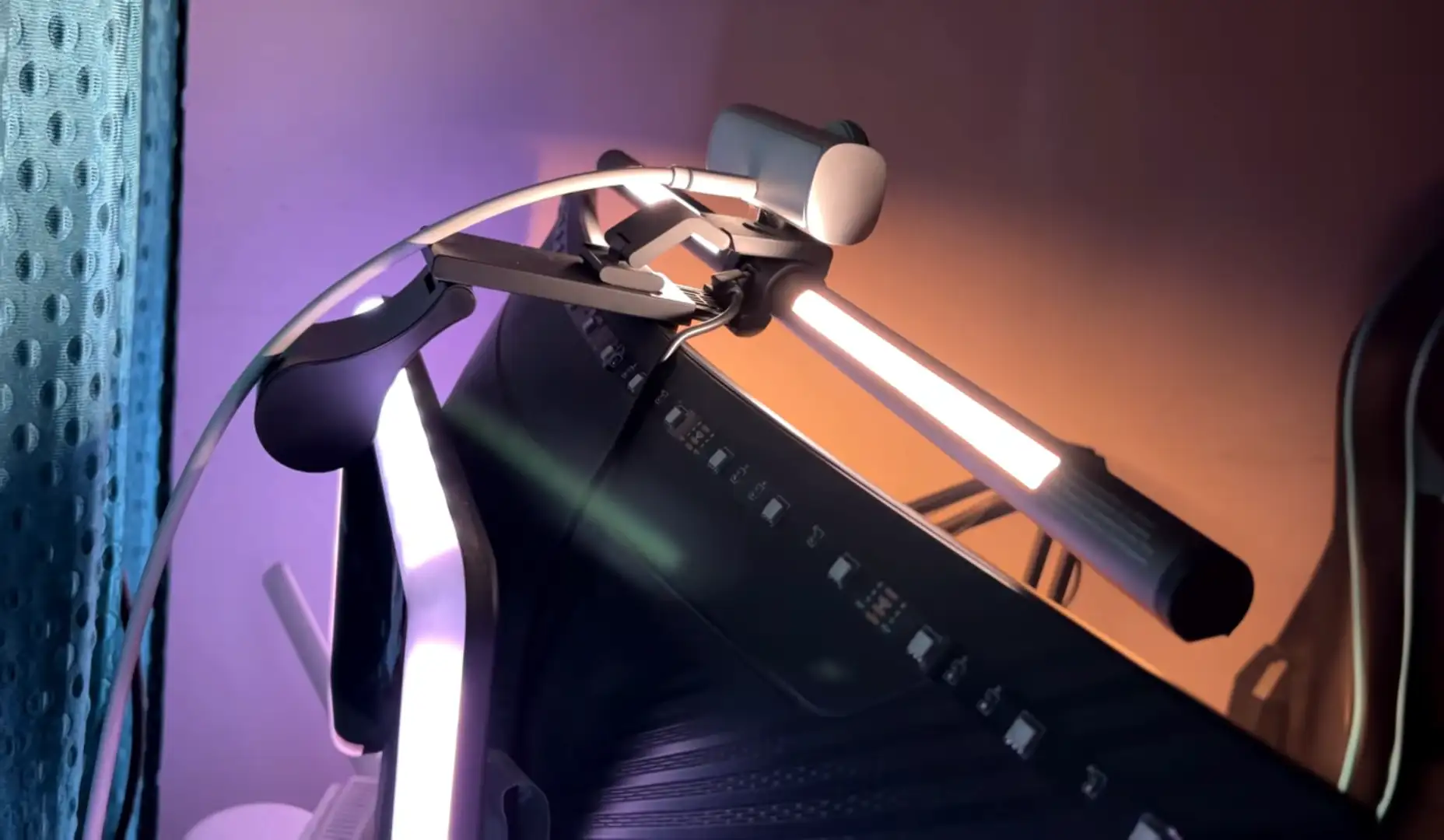
The rear light can add a softer layer of illumination behind your monitor, especially when the screen is surrounded by a dark wall.
Quntis gives the Glow both front lighting and backlighting.
That makes the setup more flexible than a basic front-only monitor lamp.
For example, you can use the front light for your desk while using the rear light to brighten the area behind the display.
However, don’t expect the rear light to illuminate the whole room. It’s better thought of as ambient lighting around the monitor.
You’ll probably notice the difference most when your monitor sits close to a wall.
Is the Wireless Remote Worth Having?
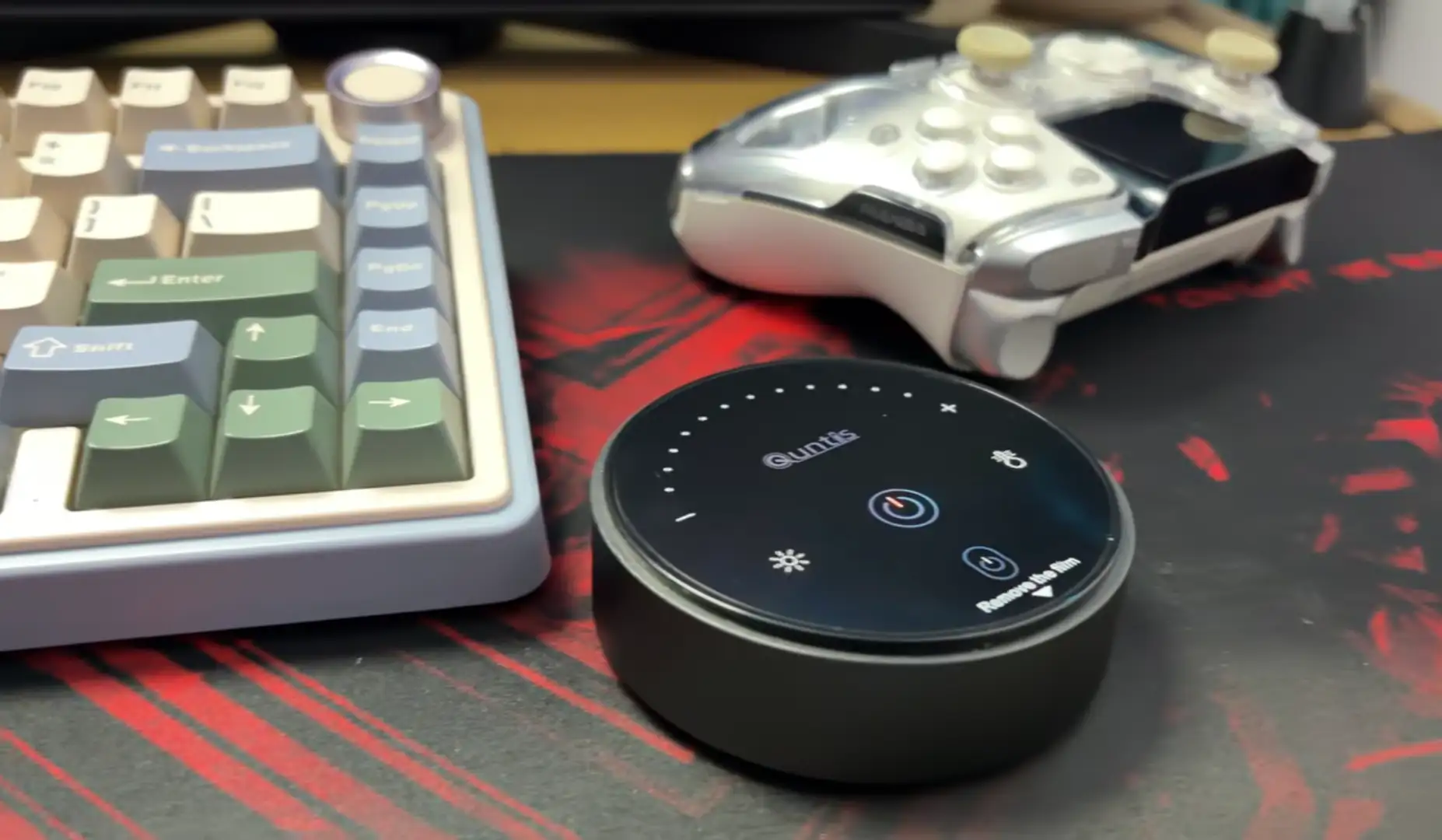
Yes, the remote can make everyday adjustments much easier, especially if you regularly change brightness or color temperature.
You don’t have to reach over the monitor every time you want to make an adjustment.
Quntis lists the G51GY as a remote-controlled model with stepless dimming and 3000K–6500K color-temperature adjustment.
That sounds like a small convenience, but it’s useful in practice.
You might prefer a cooler setting during the day, then switch to warmer light in the evening. With the remote nearby, you can make that change without touching the light bar itself.
TechPorn also found the remote responsive and intuitive during its hands-on use of the exact 51 cm model.
How Good Is the Color Temperature Range?
The 3000K to 6500K range gives you plenty of room to find a setting that suits your workspace.
A warmer setting can feel more relaxed in the evening. A cooler setting may look more natural alongside daylight.
Quntis supports stepless adjustment rather than limiting you to just a few fixed settings.
Still, there isn’t one setting that’s automatically best for everyone.
Your room lighting, screen brightness, time of day, and personal preference all matter. So, the real advantage here is flexibility rather than a particular color temperature.
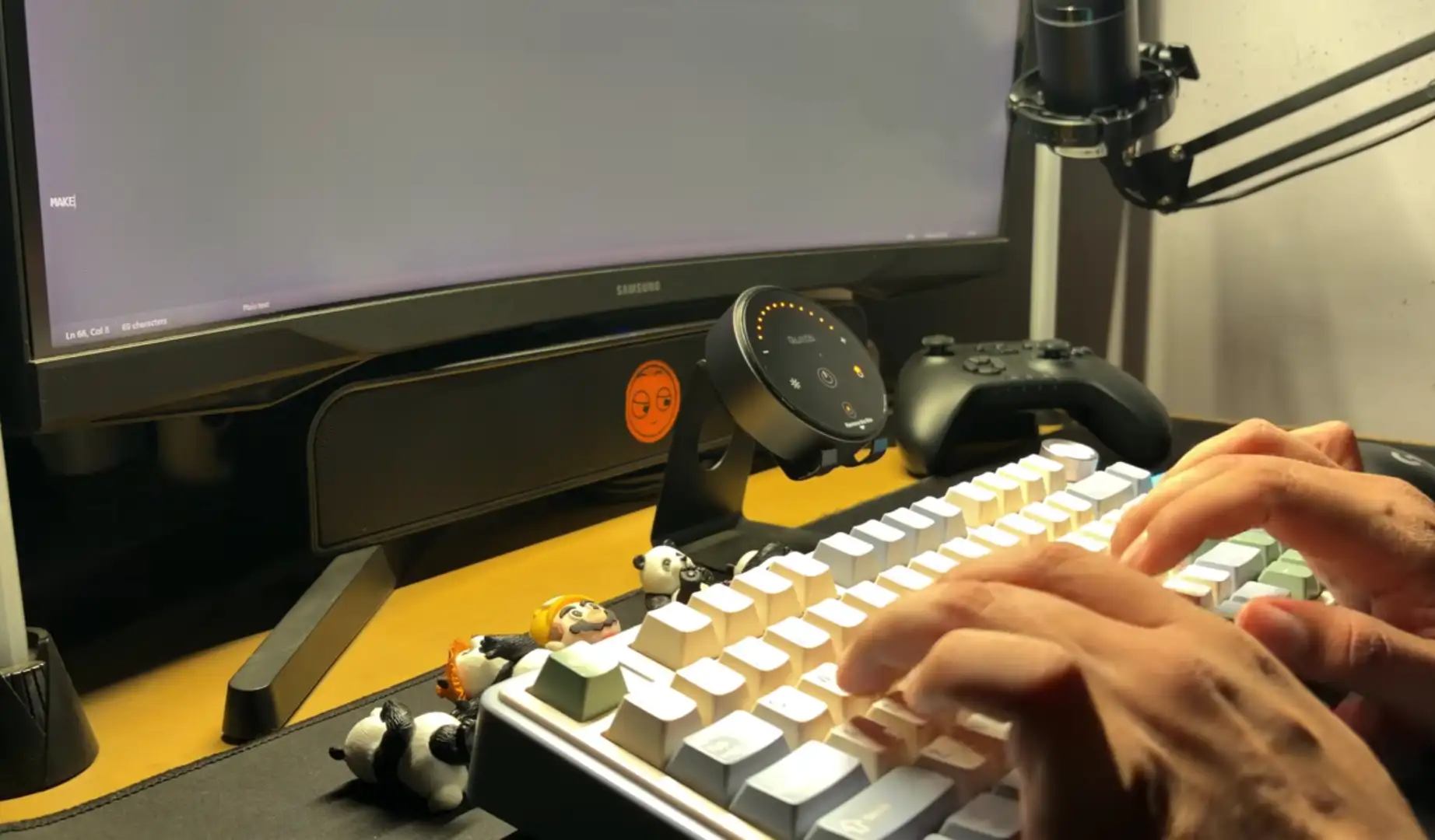
Does It Work With Curved Monitors?
Yes, Quntis mentions the G51GY as compatible with both flat and curved monitors measuring 17 to 32 inches. It also supports monitor thicknesses from 0.3 to 7 cm.
The sliding weighted clip helps the bar sit on different monitor designs.
However, there’s still a practical caveat.
A monitor can fall within the published thickness range and still have a rear housing that makes mounting awkward. Large vents, unusual curves, or other components can affect how the clip sits.
So, if your monitor has an unusual rear design, it’s worth checking the mounting area rather than relying only on screen size.
What Did Hands-On Testing Find?
In our independent testing of the exact 51 cm model, we found several strengths, particularly its build quality, color consistency, and simple controls.
We used the Quntis Glow for several weeks and tested the 51 cm grey version supplied by Quntis. We find its metallic-gray construction as solid and consistent color temperature across viewing angles.
We also found that the remote was responsive and that the clamp allowed angle adjustment.
There are some limitations, too. We found the backlight relatively weak and noted that its adjustment was less flexible than the front lighting.
That’s useful because it gives the specifications some real-world context.
The Glow isn’t trying to be a smart ambient-lighting system. Its main job is still lighting the desk in front of your monitor.
What Are the Main Limitations?
The biggest limitation is that the 900-lux specification doesn’t tell you how evenly the entire desk will be illuminated.
A few other points are worth keeping in mind:
- It’s task lighting, not room lighting.
- Illumination falls toward the outer areas.
- The rear light is mainly ambient.
- The 51 cm length has limits with very wide monitors.
- The model range can be confusing because Quntis sells several similar variants.
- Ra95 describes color rendering, not brightness.
- The 7.5 W power requirement means the USB source needs to provide 5 V / 1.5 A.
None of these points automatically make the Glow a poor choice.
They simply show where the product’s headline specifications need a little context.
Who Is the Quntis Monitor Light Bar Glow m Best Suited For?
The Quntis Monitor Light Bar Glow could suit you well if you want focused desk lighting without sacrificing desk space.
It can be particularly useful if you:
- Work at a computer for several hours.
- Use a 27- or 32-inch monitor.
- Keep notebooks or documents beside your keyboard.
- Don’t have much room for a desk lamp.
- Want adjustable brightness and color temperature.
- Prefer both front and rear lighting.
- Use a compatible curved monitor.
- Want a physical remote for quick adjustments.
On the other hand, you may want a different solution if you need to illuminate a very wide desk or a much larger ultrawide display.
In that case, a longer light bar or additional room lighting may be more appropriate.
Does the Quntis Glow Help With Eye Comfort?
It can improve comfort when glare or uneven workspace lighting is part of the problem, but it shouldn’t be described as an eye-strain treatment.
That’s an important distinction.
The PubMed-indexed study found that glare and uneven supplementary lighting affected visual-fatigue measures during computer tasks.
The Quntis Glow addresses some of the same environmental factors by giving you adjustable front lighting and rear ambient lighting.
However, digital eye discomfort can have many causes.
Dry eyes, prolonged near-screen viewing, poor viewing distance, posture, and uncorrected vision can all matter. So, improving the light around your monitor is only one part of a comfortable workstation.
Final Verdict
The Quntis Monitor Light Bar Glow is a well-equipped task light for medium and larger monitor setups. Its combination of 900-lux center illuminance, Ra95 color rendering, 3000K–6500K adjustment, front and rear lighting, stepless dimming, and remote control gives you a lot of control over your workspace. Quntis confirms those specifications for the G51GY model.
The most important thing, though, is understanding what those numbers don’t say.
The 900-lux figure doesn’t mean the whole desk receives 900 lux. The Ra95 rating doesn’t tell you anything about brightness. And the rear light isn’t a substitute for proper room lighting.
Independent hands-on testing of this exact model adds useful context. TechPorn found the build quality solid, the color temperature consistent, and the controls responsive, while also noting that the rear light isn’t particularly strong.
So, the Quntis Monitor Light Bar Glow makes the most sense when you want focused monitor-area lighting with more flexibility than a basic light bar. If you’re using a 27- or 32-inch monitor, need more light around your keyboard and documents, and don’t want another lamp taking up desk space, it’s a practical design.
Official website and product link:
https://www.quntis.com/products/led-screenlinear-glow-series-ml215-20-1inch
Amazon product link: