Have a good wifi connection it is not always possible. It may be that the signal does not reach well, that you have speed problems or many cuts. To avoid all this, it is essential to get the wireless network to work correctly. Therefore, in this article we give you some tips and steps that you must take to make Wi-Fi go much faster. You will see that with some simple adjustments you can make the connection reach better and without so many problems.
Steps to improve the Wi-Fi network
If you want to connect devices such as a television, mobile phone, tablets, laptops or any other device, it is necessary to have a good connection. The normal thing is that you have them distributed in different parts of your home and that makes you have to find a way to take the wireless network to other areas.
Choose a good location for the router
The first step to improve the Wi-Fi network is to choose a good ubication for the router. Without a doubt, it is one of the most common mistakes we make. In many cases we leave the router anywhere, where it is least in the way or where the technician places it for us during installation. But this is not always the most optimal.
Ideally, it should be in a central area of the house. This way you can distribute the signal better so that any device can connect without problems. It is essential to get coverage to more places, since today it is common to have smart devices in many places in the house.
Use some device to improve the network
If you see that even if you improve the location of the router, you cannot have good coverage, what you can do is buy a device such as a repeater. With this you can increase the signal in a certain area, where you want there to be a stable connection and with good speed.
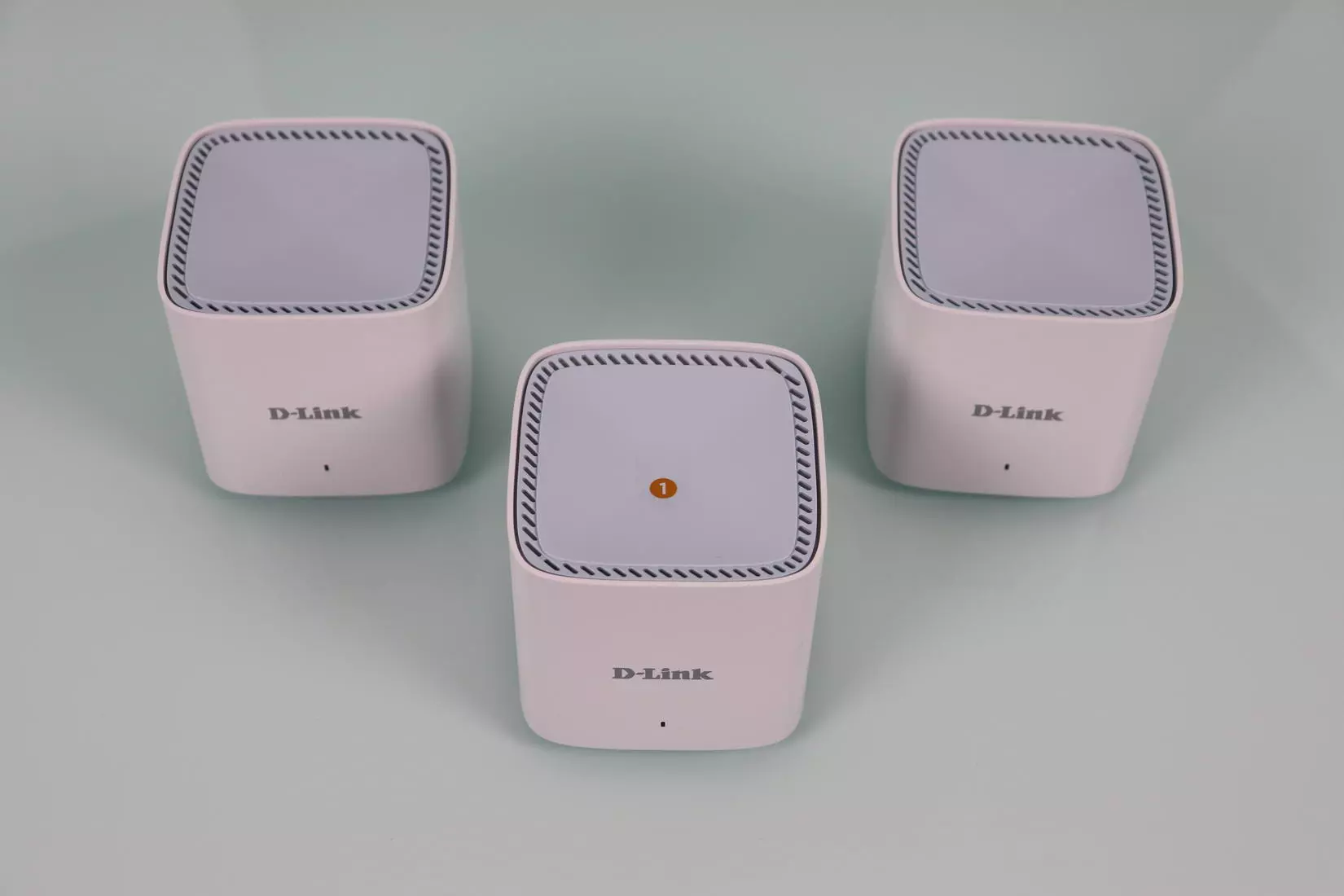
But beyond using Wi-Fi repeaters, you can also use PLC devices or Wi-Fi Mesh systems. In all these cases, you will see that the wireless connection improves and you have more power to connect devices to the network.
Choose the right band
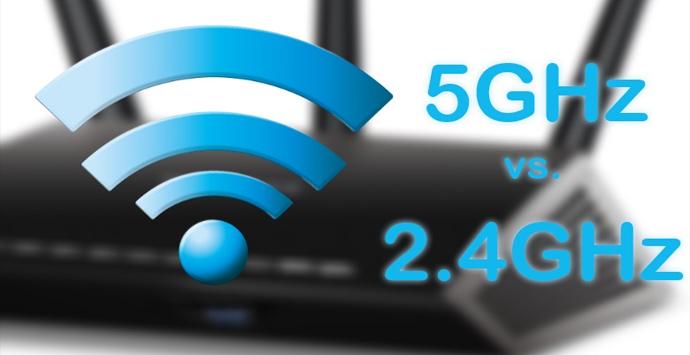
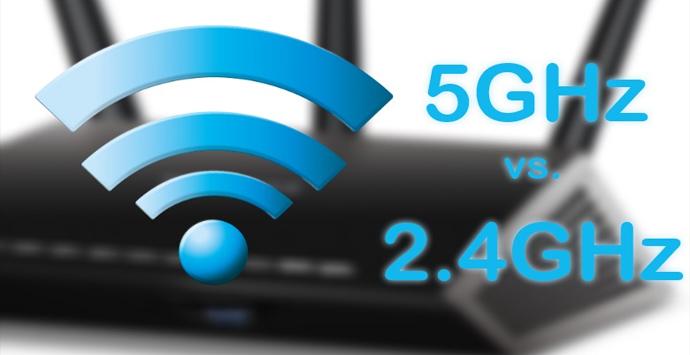
Most devices allow you to connect them to the 2.4 GHz and 5 GHz band. Each one has its advantages and disadvantages, so choosing correctly which one to use is essential. In general terms we can say that the 5GHz It is the one that offers the highest speed. It is perfect if you are going to connect near the router.
Instead, the 2.4 GHz band It is the one with the most coverage. If you are going to connect away from the router, it is the best option. Even if you do not achieve maximum speed, it will offer greater stability and you will have fewer problems.
Check your devices
Of course, another key point is check your devices well. It is necessary that they are updated, since in many cases they may have problems that affect the Internet connection. Always install the latest versions and that will help improve the Wi-Fi network. You can do it both from the operating system, as well as from the card drivers.
In addition, you should check that they do not have a virus. In case there is some kind of malware, it could be slowing down the connection. It is good to install an antivirus and check that everything is working correctly.
As you can see, you can follow these steps to improve Wi-Fi speed. You will be able to avoid cuts and other problems that affect your day to day. There are many devices that you could connect to the home network and everything should work perfectly.