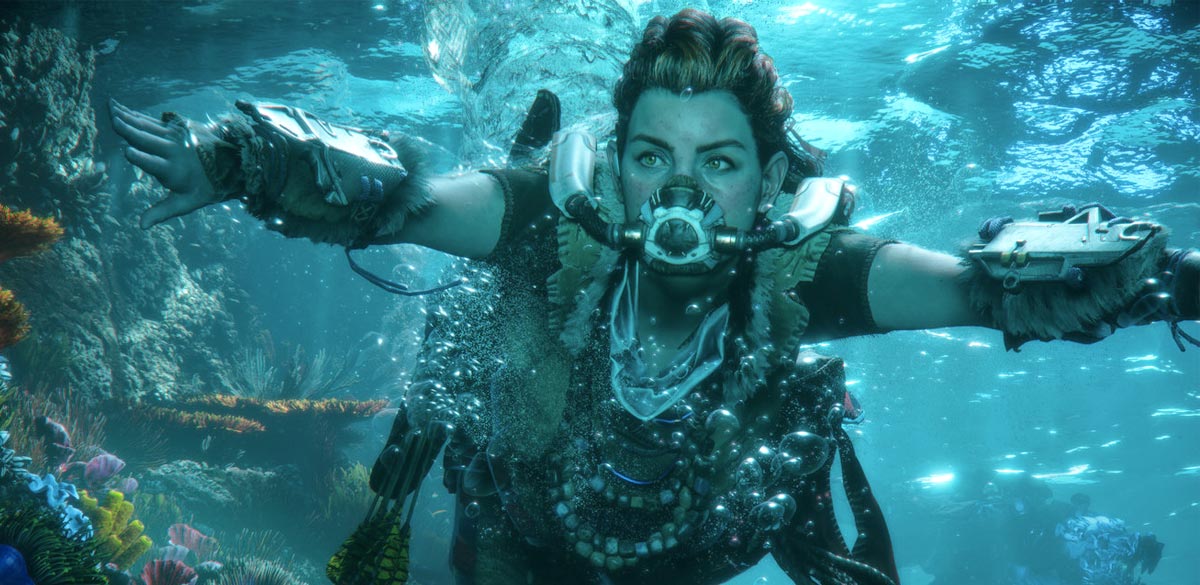
In the ever-evolving gaming world, 3D models are the backbone of immersive environments, lifelike characters, and dynamic objects. These models form the virtual realities players interact with, turning imaginative concepts into tangible digital forms. But how are these 3D models crafted for games? The process combines artistic creativity, technical precision, and cutting-edge software to bring the virtual world to life.
This article explores the intricate steps, tools, and techniques involved in creating 3D models for gaming, delving into every detail while maintaining readability, engaging sentence structure, and SEO optimization.
The Foundation of 3D Modeling: Concepts and Planning
Every project begins with a concept. Artists and developers collaborate to outline the 3D model’s purpose, design, and functionality. This planning phase often includes:
- Sketching: Traditional or digital sketches provide the initial blueprint.
- References: Collecting real-world examples ensures accuracy and consistency.
- Storyboarding: Placing models within the game’s narrative helps guide design decisions.
Step 1: Creating the Base Model with Polygonal Modeling
Polygonal modeling is the most common method for crafting 3D models in games. It involves creating a mesh of interconnected vertices, edges, and faces to form the 3D structure. Tools like Blender and Maya are widely used in this step. Here’s how it unfolds:
- Blocking: Artists create a rough model to outline basic shapes.
- Refinement: Adding detail to the mesh, such as curves and indentations.
- Optimization: Ensuring the polygon count aligns with the game’s performance requirements.
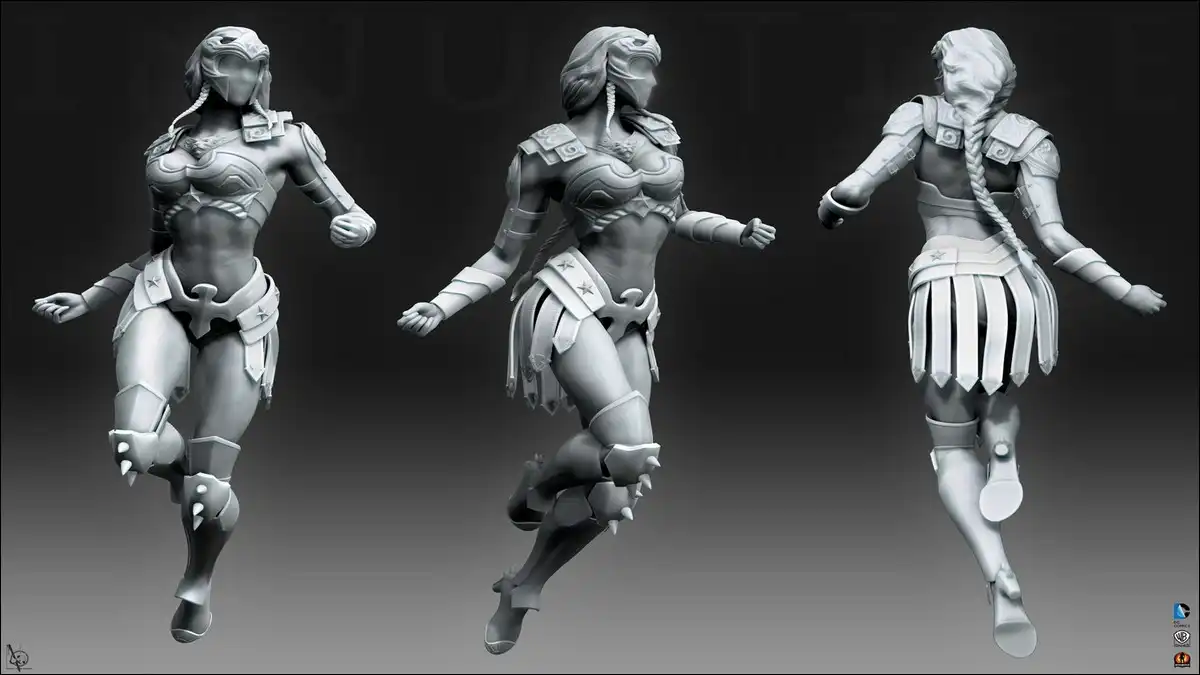
Step 2: Sculpting for High Detail
Once the base model is created, sculpting tools add intricate details such as wrinkles, textures, and fine edges. Software like ZBrush enables artists to work as though molding clay digitally. Sculpting brings organic forms to life, essential for creating characters, landscapes, or objects with realistic textures.
Step 3: Texturing and UV Mapping
A 3D model without textures is like a blank canvas. Texturing adds color, patterns, and materials to models, making them visually engaging. UV mapping is unwrapping the 3D surface onto a 2D plane to apply textures accurately. Techniques include:
- Painting: Artists directly paint textures onto models.
- Procedural Textures: Automated textures based on algorithms.
- Normal Mapping: Enhancing detail without increasing polygon count.
Step 4: Rigging and Animation Preparation
Rigging prepares the 3D model for movement for characters or dynamic objects. Bones create a skeleton, which the model is bound to, enabling realistic motion. Rigging is vital for bringing characters to life, whether running, jumping, or simply blinking.
- Inverse Kinematics (IK): Ensures natural movement.
- Weight Painting: Adjusting how the mesh responds to skeletal movement.
- Control Rig Setup: Simplifies animation for developers.
Step 5: Integrating 3D Models into Game Engines
Once the model is fully textured and rigged, it’s time to integrate it into game engines like Unity or Unreal Engine. This step involves importing assets, testing their functionality, and optimizing them for performance. Developers work closely with artists to ensure seamless integration.
Advanced Techniques: Procedural Generation and AI Tools
In modern gaming, procedural generation and AI-powered tools revolutionize 3D modeling. Using algorithms can create vast terrains or intricate objects quickly, reducing manual work while maintaining quality. AI tools like NVIDIA Omniverse are shaping the future of the industry.
Challenges in 3D Modeling for Games
Creating 3D models for games isn’t without its hurdles:
- Balancing Quality and Performance: High-quality models can strain hardware.
- Time Constraints: Developing detailed models within deadlines.
- Cross-Platform Compatibility: Ensuring models work across various devices.
The Role of Collaboration in 3D Modeling
Teamwork is vital in game development. Artists, developers, and designers collaborate to create cohesive 3D modeling services aligned with gameplay and storytelling. Iterative feedback loops and testing ensure that every model serves its purpose.
The Future of 3D Modeling in Gaming
As technology evolves, so do the possibilities in 3D modeling. From augmented reality (AR) to virtual reality (VR), new platforms demand innovative designs. Advancements in real-time rendering and photogrammetry are also pushing the boundaries of realism.
Frequently Asked Questions (FAQs)
What software is commonly used for 3D modeling in games?
Popular tools include Blender, Maya, ZBrush, and Substance Painter.
How do developers optimize 3D models for performance?
By reducing polygon counts, using normal maps, and optimizing textures.
What is the difference between texturing and UV mapping?
Texturing adds visuals, while UV mapping ensures textures align correctly.
How does procedural generation benefit game modeling?
It automates the creation of complex models, saving time and resources.
Conclusion
The journey of creating 3D models for games is both an art and a science. From initial concepts to detailed sculpting, texturing, and rigging, every step is crucial in delivering immersive gaming experiences. With advancements in tools and techniques, the industry continues to push creative boundaries, captivating players worldwide.