Therefore, as you have seen, there are different reasons why a web page can be blocked. Although at first you may have problems accessing it, you will see that there are methods to solve it.
What to do to unlock them
There are very simple options to avoid blocking a web page. You can install some applications on your device or also use the browser settings, for example. It is something that you can use both on computers and mobiles, regardless of what operating system you use.
vpn
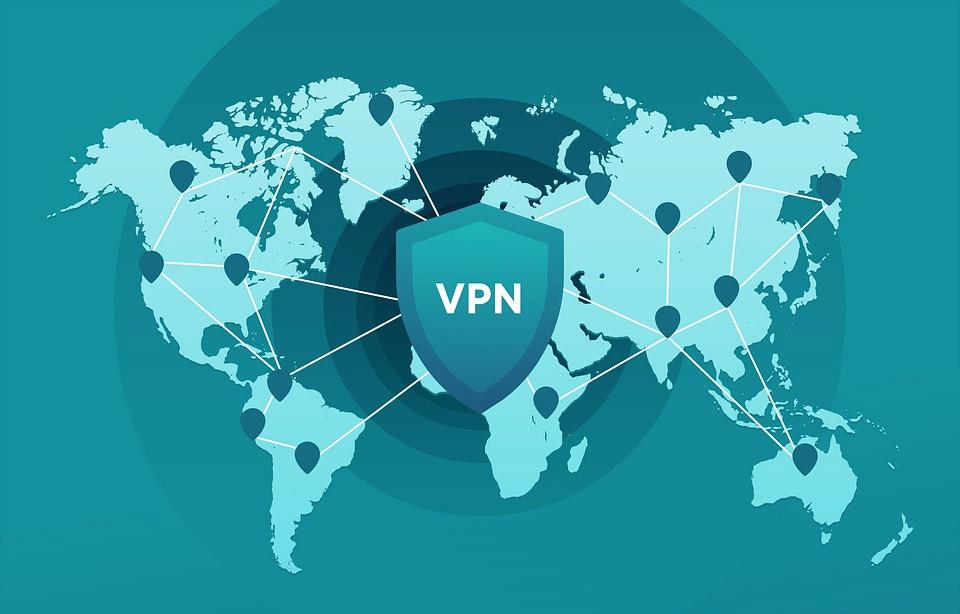
One of the best options for skip restrictions entering a website is to use a VPN. There are many programs of this type, both free and paid. What it basically does is encrypt your connection, hide your IP address and pretend you are somewhere else. For example, if you are traveling in Italy and want to access a service that only works in Spain, through a VPN you would navigate as if you were really in Spanish territory.
Although there are free and paid options, our advice is to choose a program that is guaranteed, that has multiple servers to be able to choose the one that works best and have a range of possibilities in terms of countries. Some apps you can use are ExpressVPN or NordVPN, but there are many more available.
Use of proxy
The natural alternative to a VPN is to use a proxy server. It will act as an intermediary between our device and the server we are trying to access. In this way, if we try to access a web page that may be blocked in a specific country, it is as if we were really accessing it from another place.
This will also improve privacy when browsing. The site that we are entering will not know at any time what our real IP address is, but will see that of that Proxy. There are many Proxy servers available on the Internet, both free and paid. However, you should keep in mind that the speed of the Internet will decrease.
You can use services like ProxyScrape, which shows you a great list of free servers. Another option that is also popular and has many options is SSL Proxy.
Enter from IP
This case does not always work, but sometimes you can bypass the block if you enter a web page from the IP address instead of putting the domain name in the browser. That is, instead of putting the URL as it would be paginaweb.com, you have to put the IP directly that corresponds to that domain name. This is because sometimes the blocked website is stored as a list of URLs. It would not work if the website has hidden its IP as well.
What you have to do is go to Start, enter the Windows Terminal and there you execute the command ping website. For example: ping www.google.es. You would get the IP address to enter Google, without having to put the domain name. You would do the same with the web page that interests you to skip the blocking.

Change the proxy network in browsers
Some browsers allow browsing through a series of proxies. You may be connected from a network, such as a university, that has more than one proxy. It is possible that some websites may be blocked in a certain Proxy, but accessible from others.
This will depend on what browser you use, but you will have to go to Settings, Connection Options / Network and there you can use the option of No proxy or use any other that may appear in the list. From that moment you can try to enter that web page or access a service where you had problems.
Use Tor Browser
The tor browser is another solution to bypass internet blocking. It is a program that you can use both on computers and mobiles, whose mission is to make our browsing anonymous. It allows to enter Onion sites and also hide our real location.
If you are in a country where there is censorship and you cannot enter a certain online medium or access a page, you can try using the Tor browser. You can download it easily and for free from its website. You just have to install it and start browsing. It is based on Firefox, so if you are used to this browser you will find it very familiar.

You should also keep in mind that browsing through Tor can be very slow. Especially if you are going to watch streaming content, such as high-quality Netflix videos, you may have significant problems so that they are not cut.
Use browser extensions
exist accessories that you can install in the Chrome or Firefox browser and that can be used to avoid the geographical blocking of a website. They act like a VPN, but more like a Proxy. In other words, it will only route the traffic that comes out of the browser and not from the whole computer.
One option that works well and is free is UrbanVPN. It is available for Google Chrome and Mozilla Firefox and you can download it from its official website. It is important that you always download this type of application from safe sources, such as the official browser stores or the specific pages of that particular tool.
In short, as you have seen, there are different options to bypass the blocking of a web page when browsing the Internet. This is something that can happen for different reasons, but you can avoid it in a simple way simply by using one of the options that we have shown.