We can say that the tor browser it is one of the most used when it comes to maintaining anonymity and privacy. It is in fact the one used to access the Deep Web, the onion sites. Now it has released a new version in which it introduces certain improvements. Let’s see how it helps avoid censorship when we access a website that may have a block.
Tor improves censorship
This is the version of Thor 11.5, considered as an important release and that brings some improvements to allow users to avoid censorship when browsing. Already a year ago, with version 10.5, they began to focus on circumventing censorship and thus allowing users to navigate without problems.
One of the improvements in Tor 11.5 is that users no longer have to manually try bridge settings to unblock Tor. Now it brings a new function that they have called connection assistance. What it does is automatically assign the bridge settings that work correctly based on the user’s location.
Basically what this feature does is track and download an updated list of different options depending on the country and thus use the best settings. However, the Connection Assistance feature is at an early stage and Tor asks users to report any bugs they may encounter.
On the other hand, there is another interesting feature included in Tor 11.5: HTTPS enabled by default. HTTPS only mode will be the default browsing mode and the connection will be made through a secure tunnel. This is important, since its function is to prevent data exchange between users and servers from leaking, since it is encrypted. It is very useful to avoid Main in the Middle attacks.
More network configuration options
In addition to the above two changes, they have also included a new network settings option. They call this function Connection settings. The goal is to improve the search for certain specific configurations. This will allow us to make certain changes in a simpler and more understandable way.
Keep in mind that keep everything up to date It is essential to avoid security problems. Therefore, our advice is to update the Tor browser with this new version. Not only are you going to have certain improvements and changes that they can make, but also correct possible vulnerabilities that may appear and thus prevent hackers from exploiting bugs.
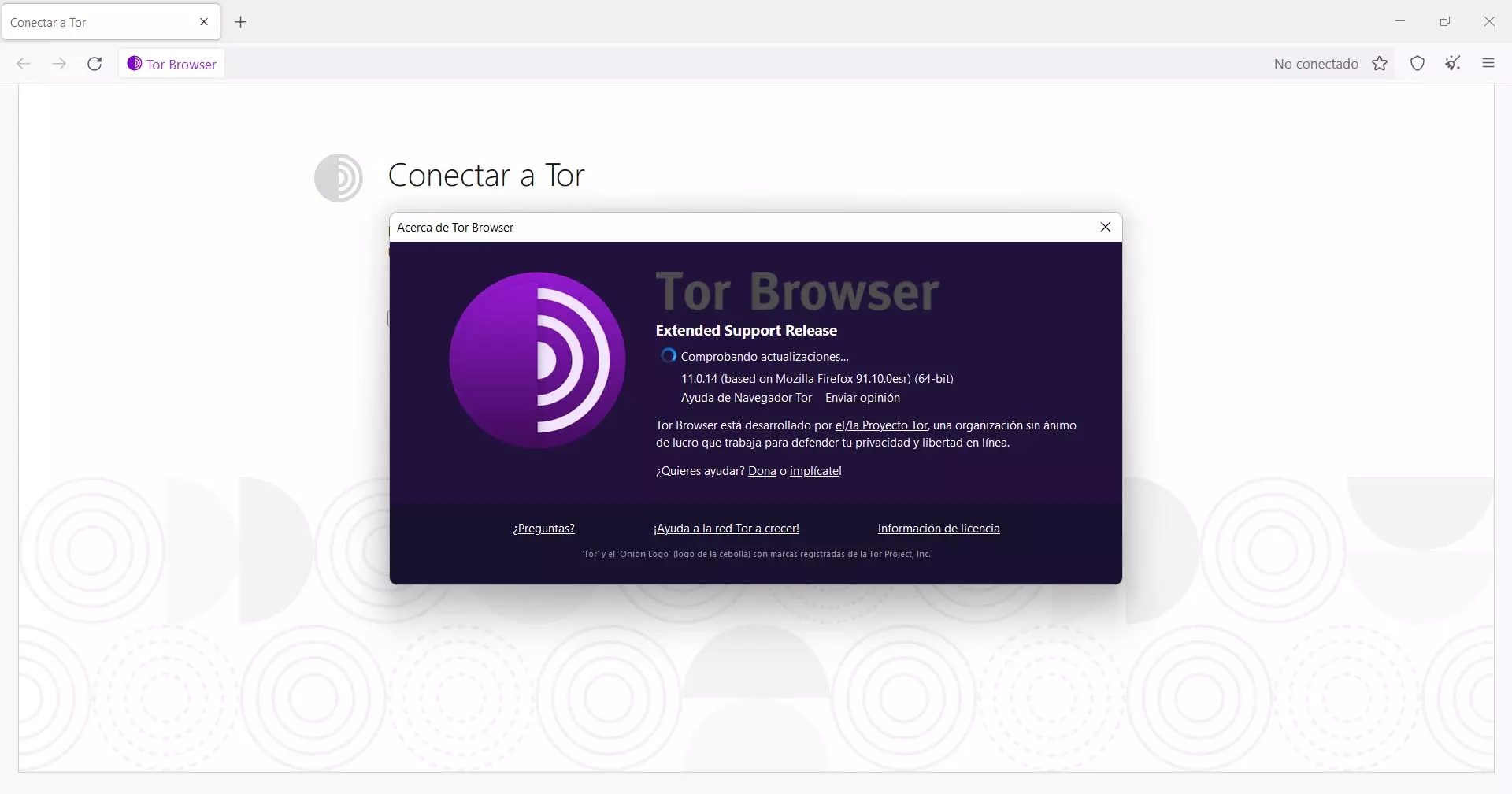
You can go to the official Tor page and download the new version there. But you can also update it directly from the application, in case you already have it installed. To do this you just have to go to the menu at the top right, go to Help and click on About Tor Browser.
It will automatically start looking for new versions and, if it is available, it will update it without you having to do anything else. You will always be able to see exactly which version you have installed on your computer.