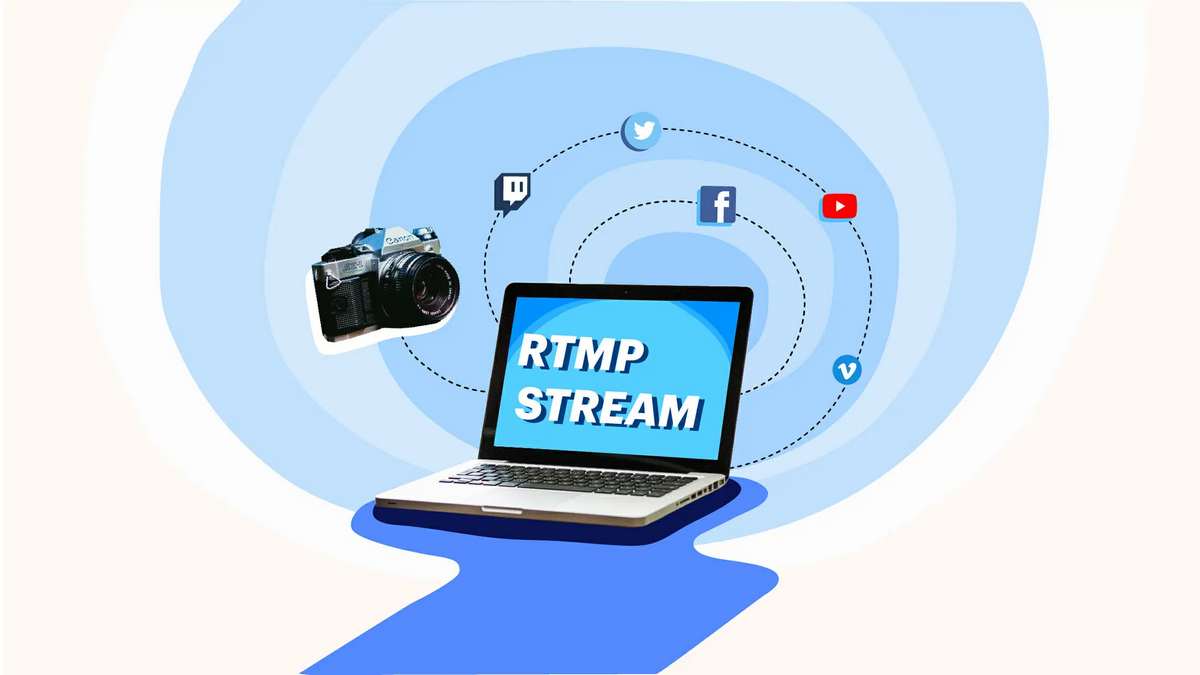
RTMP is a protocol for streaming over the internet. It stands for “real-time transport protocol,” It defines a set of rules that can be used to transmit data from one computer to another as it arrives, without storing any of the data. It can also be used for live webcasting of audio or video data and file transfer.
In the case of streamaxia live video streaming, RTMP is used by a software player to retrieve data from a live stream that a streaming server has created. The video data is pushed to the player in real-time. The player uses the RTMP protocol to read and display the incoming information, which has been encoded for playback.
The media stream is created by a streaming server that can encode and transmit video and audio data. When an RTMP stream source is passed to the player, its software parses the media data and displays it. The player may use the same protocol to retrieve video data from another source, such as a broadcast channel, or use another system to fetch media data. In the case of a live stream, someone is usually streaming video from the “live” source.
It’s all about connecting the live source to the viewer
The advantage of a video streaming site is that the viewer will be able to watch a live broadcast from a website and feel like they are watching the broadcast on TV. RTMP can be used for instant streaming from a website to a player, or it also works for live webcasting of audio or video data.
RTMP has become a standard for live and on-demand streaming and is supported by the major streaming sites and players. It’s the industry standard for video delivery.
How RTMP works
RTMP protocol is divided into two parts: the server and the client (the video player). The server is responsible for delivering high-quality, reliable streaming data.
The client is the software that receives and displays the data. The client needs to be able to communicate with the RTMP server. The client must use specific libraries and protocols which are included in the RTMP player software.
The client uses the RTMP protocol to communicate with the server. The server responds by sending several files that contain graphics, text, and audio. The client only needs to read one file of a specific data type and then send it to the user. The user then turns the data into an image that can be viewed on their computer.
Connecting to an RTMP server
The client (the video player) must be connected to the server to receive media data. The server files are delivered without displaying them on the screen. The viewer can view the stream’s output, but it doesn’t show anything on the screen. The viewer can interact with the media, but they cannot see the source of the media.
The connection between the client software and the server must be real-time. This is because the server needs to push out the data in real-time. If the connection is lost, the stream will stop playing, nor will any audio or video.