Clues to know if the Wi-Fi password is secure
It is not enough to have any password on Wi-Fi network, since in this way a hacker could break it and access the connection. It is essential to take certain measures and for this reason you will be able to see some of the most important ones below. If you see any failures, that means your wireless network is not properly protected.
you changed it
The first clue is see whether or not you have changed the password of Wi-Fi. Do you keep the same one that came from the factory when you bought the device or did the operator install it for you? Have you changed the password and use a different one? That is essential to have the Wi-Fi password protected. It is a mistake to keep the same one that comes from the factory.
If you leave the default password on, an attacker could exploit a vulnerability or use different methods to find out the password for a given model. On the other hand, putting a different one will make this task very difficult and you will be able to make the connection more protected. It is important to always change the Wi-Fi password.
It’s totally random
Of course, another issue to consider is whether the Wi-Fi key is totally random or, on the contrary, you use certain words or digits that can relate to you, that you can remember more easily. For example, it is a mistake to put your name, date of birth, mobile number… Any combination of this type will seriously compromise your security.
So what should that password look like? It is interesting that it has letters (both uppercase and lowercase), numbers and also other special symbols. It should always be random, that it is difficult to memorize it. If that’s the case for you, your Wi-Fi password is secure and you’ll have more options to avoid intruders.
It has good encryption
You can also look at the encryption type that has that Wi-Fi key. A password for the wireless network is not secure if it does not use encryption that is really reliable. For example, you should avoid outdated encryption such as WEP or WPA. They are old, some have vulnerabilities and that makes it possible for an intruder to take advantage of it to steal the password.
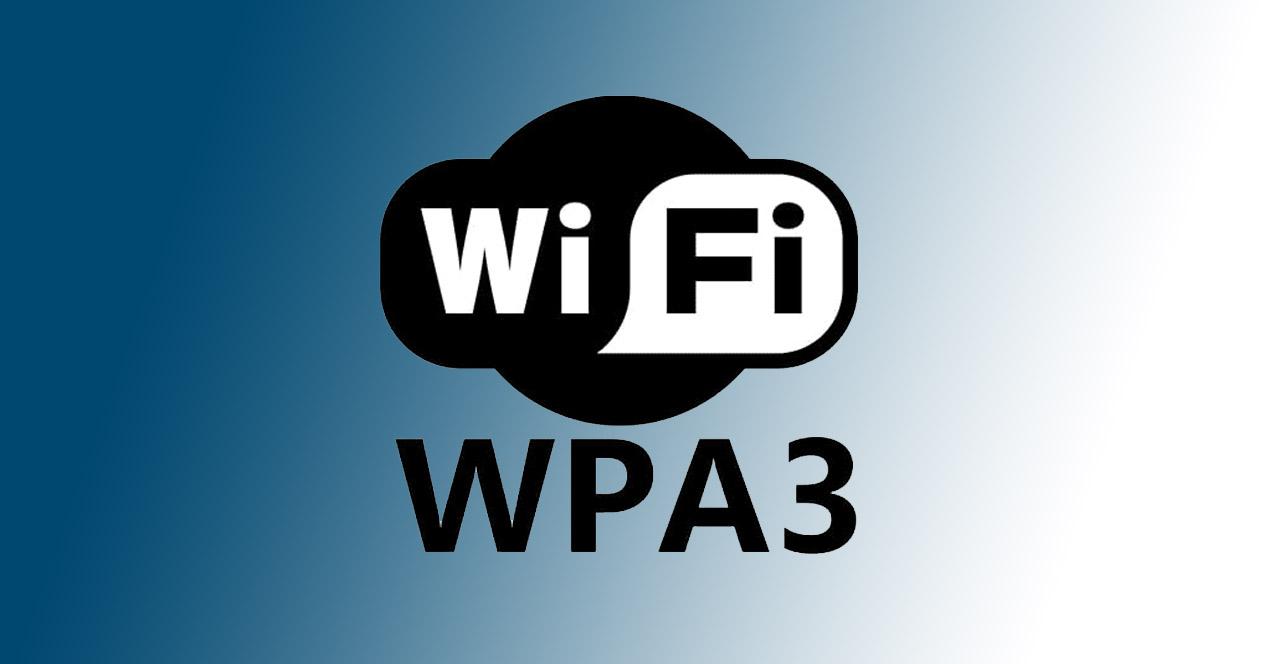
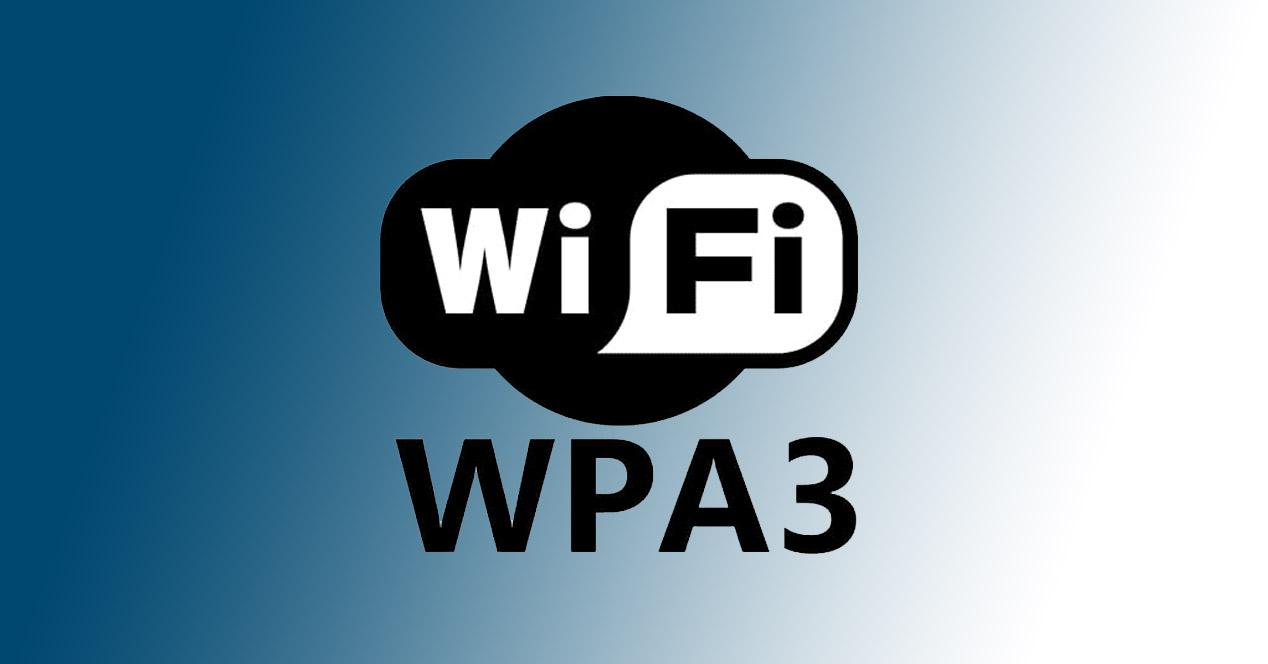
Today the most current encryption is WPA3. However, there are still many devices that are not compatible, such as routers, computers, mobile phones… In that case, you would have to use WPA2, which is also reliable as long as you have them correctly updated and they cannot be attacked.
You don’t use it elsewhere
Also, yet another way to see if that Wi-Fi network password is secure or not is to think if you are. using elsewhere or only in the router network. If you use it in another place, such as a social network, email or any Internet registry, that could be a security problem. It could produce what is known as a domino effect and if someone finds out the password from an Internet forum and you use that same one on the Wi-Fi, they could enter.
Therefore, whenever you are going to create a good Wi-Fi password, you must take into account the importance of making it unique and not using it anywhere else on the network, even if it is a social network or forum that you hardly use.
In short, as you can see, you can take into account certain factors to determine whether or not the Wi-Fi password you are using is reliable. It is essential that you use one that is, since in this way you will achieve good performance and you will not have problems with your equipment.