What causes the router to go bad
if you see that Internet does not work well, the problem may be with the router and how you are using it. One of the first steps you should take whenever you come across an error is to check that it works correctly and that the error does not depend on you, but rather it is an operator error.
poorly located
The first mistake that users usually make and that they do not know is so important is the router location. Many times they place it anywhere, where it is less in the way or where it is easier to install. But that can severely limit connectivity. You could have problems accessing the network with a good speed and even cuts appear.
Ideally, the router should be in a central location in the home. From there you will be able to better distribute the signal to all the devices you connect. It is better to put it in a high place, such as on top of a piece of furniture, and it must also always be far from other devices that may interfere or from walls and obstacles.
It is outdated
It is undoubtedly one of the most common problems with routers. It is common to update a computer or a mobile, but on many occasions updating the router is not done and that is a problem, since it could be limiting the connection by not accessing all the available improvements and by not solving problems.
Therefore, our advice is to update the firmware of the router and always have the latest version available. Each device is different, since sometimes that update will be automatic, but in others we will have to go to the official website of the brand and download the corresponding version and then upload it to the router manually.
Are you using an old cable?
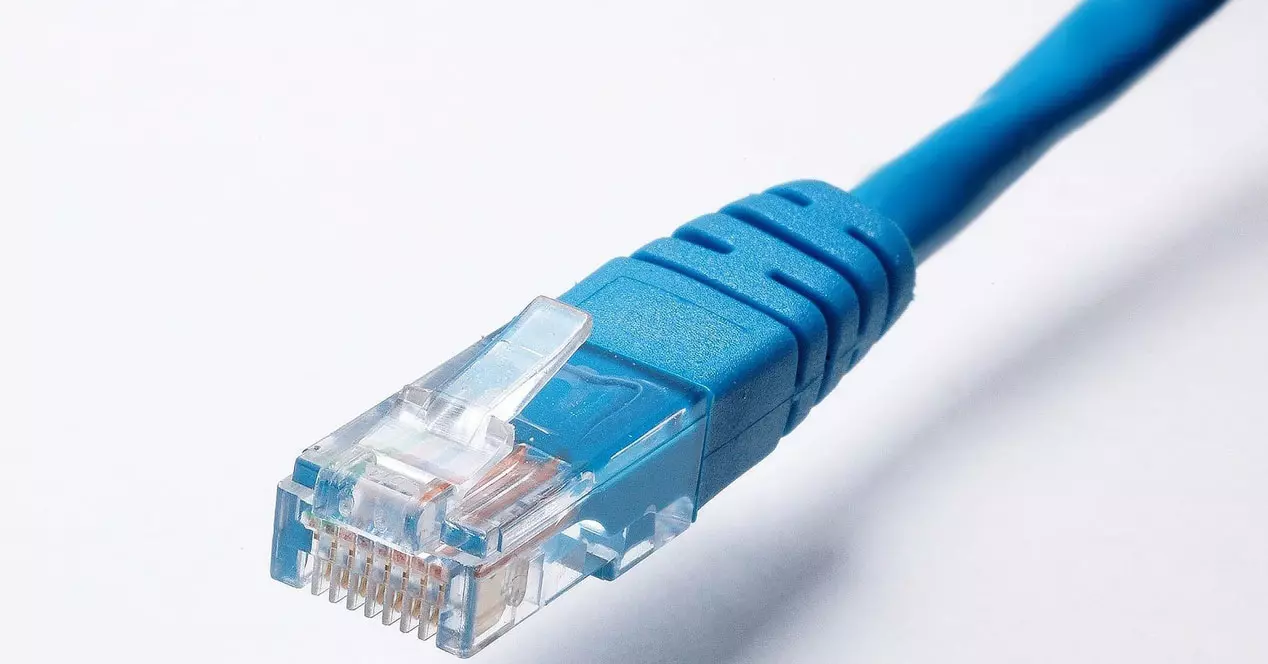
You should also keep in mind that you may be using an old cable. This will also limit the quality of the connection if you browse wired. you may be limited to Fast Ethernetwhich would be a maximum speed of 100 Mbps, and you don’t know what is causing this problem in the router.
If, for example, you have contracted a fiber optic rate of 300 Mbps and use a Fast Ethernet cable, you could not have more than 100 Mbps. You would need a cable that is compatible with Gigabit Ethernet and in this way reach the maximum speed of 1 Gbps and power Take advantage of current rates.
You are using a saturated channel
Do you have problems only due to Wi-Fi and do you have a well-located router and good coverage? Maybe the error is in the channel you are using. Especially if you live in a building with many flats around it, you may have interference if your neighbors use the same or a nearby channel.
You can use programs like WiFi Analyzer to see the best Wi-Fi channel. In this way you will see which one is the best for you to use and you will be able to configure the router to make the most of the connection. You will avoid interference and speed and stability problems.
You have intruders in the network
Something that can go unnoticed is having intruders on the network. You may not be aware that someone is connected to your router and is causing connection problems. This can happen if you have an open network or use a weak password or outdated encryption that can be easily exploited.
Our advice is to use passwords that are really safe. It is important that it is unique, totally random and that it has letters (both uppercase and lowercase), numbers and other special symbols. But in addition, it is equally important to use a good encryption. You should avoid the obsolete ones, such as WEP or WPA, and use the most current ones such as WPA-2 or WPA-3.
In short, these are the main reasons why your router and Internet connection can malfunction without your knowledge. It is important that you review the points that we have explained and thus achieve an optimal connection and avoid annoying cuts when browsing the network.