These types of attacks generally affect computers. They usually arrive through malicious files that we download by mail or when downloading a document from the Internet. Also when installing an application we could be installing illegitimate software that contains ransomware.
Types of ransomware
Although all ransomware is going to target request money from the victim to solve the problem, not everyone acts the same way. Also, not all are equally serious. Sometimes it might only affect certain documents, but other times it could crash your entire computer.
file encryption
The most common type of ransomware is the one that is responsible for encrypt system files. It can block all text documents, images, videos… It can affect both home users as well as companies and organizations. There are well-known examples like WannaCry or CryptoLocker.
Hackers will encrypt all types of files on a system and send a message indicating what to do to decipher them. If, for example, it affects a company that needs to open certain documents in order to function, the economic losses can be considerable and that will make them pay the ransom. Now, some versions go beyond encrypting files, even deleting them.
Normally, with this type of threat, the computer will work correctly, but the files will not be able to be opened. They will still be there, but the victim will not have the control to open them normally until they pay the ransom that will supposedly decrypt them.
system blocker
Another common type of ransomware is what is known as a system locker. In this case it goes a little further than simply encrypting the files, since locks the system. This makes the victim unable to start Windows normally, thus unable to even view the content stored on it.
Now, we are not only going to find varieties that directly block the system and cannot start it; sometimes lockdown ransomware only affects certain functions or features of the team. For example, avoid accessing the settings, the Windows desktop, using the mouse, etc.
Basically, its mission will be to make a piece of equipment unusable, either completely or partially, and ask for a financial ransom so that everything can return to normal. From there, everything is the same as in the case of encryption ransomware and the risk that even paying will not be solved is going to be present.
Leakware
Leakware-type ransomware has increased a lot in recent years. Again the attackers are going to ask the victim for money, but the difference in this case is that they threaten to post certain information if they don’t pay. This technique is also known as doxware.
They can use this technique against home users, but it is especially targeted at companies and organizations. They can obtain sensitive information, brand data that is essential to running a business, for example. They can threaten to make that information public so that the competition can see it.
In exchange for not publishing anything, what the cybercriminal does is ask for an economic ransom. However, once again there is no guarantee that you will not actually publish all that data. They could even delete information or blackmail in the future.
scareware
This technique is peculiar, but we are also facing an attempt to extract money by hackers. It can act in different ways, but the main thing is that it will use fear to extort money from the victim and even go so far as to infect the computer afterwards.
It usually appears through browser popups. They indicate that the equipment has a virus, that it needs to be updated or to carry out some step. But all this is false. They only want the victim to click and download a program to supposedly fix the problem. However, that program is actually malware.
They can also request a payment so that a supposed technical support helps to eliminate the problem and that another person can not enter the computer and steal data. Therefore, the scareware will be based on the fear of the victim and will trick them into making some kind of payment or installing something.
as a service
Another variety that is on the rise is ransomware as a service or also known as ransomware. RaaS. It consists of an attacker, even if they don’t have much experience, they can buy a pack on the Dark Web with everything they need to launch this type of attack against a victim on the Internet.
It works as a kind of affiliate. In other words, the attacker buys a service and manages to attack the victim, for example by sending a malicious file, and part of the profits go to the person who created the malicious software and part to the person who pays for these services. It is something that is growing precisely because of the ease for anyone to have access to.
Although it is not a type of ransomware as such, we can say that it is a different method. It is an alternative to traditional methods to carry out attacks of this type.
How to avoid these attacks
After explaining what types of ransomware exist, we are going to give a series of guidelines to avoid being victims of these attacks. The goal is to be protected at all times and not make it easy for attackers to encrypt documents, lock devices or expose our personal information on the network.
Not make mistakes
The main thing to avoid computer attacks, as is the case with ransomware, is not to make mistakes. The common sense it is essential and hackers are usually going to need us to do something wrong. For example, opening an attached file that comes to us by e-mail, downloading a document from the Internet from a dangerous page, etc.
Therefore, if you don’t make mistakes of this type and always surf the net paying close attention to everything, you will avoid many similar attacks. This is essential to protect security and always maintain privacy without personal data being compromised on the network.
have safety programs
Another fundamental point is to always have security programs. A good antivirus It will help detect threats and prevent attacks. In case you mistakenly download a file that could be dangerous, the security software could raise an alert and remove it automatically.
You can use antivirus like Windows Defender itself, but you’ll find a wide variety of options. Avast or Bitdefender are also widely used and work very well to prevent cyber attacks.
Keep everything up to date
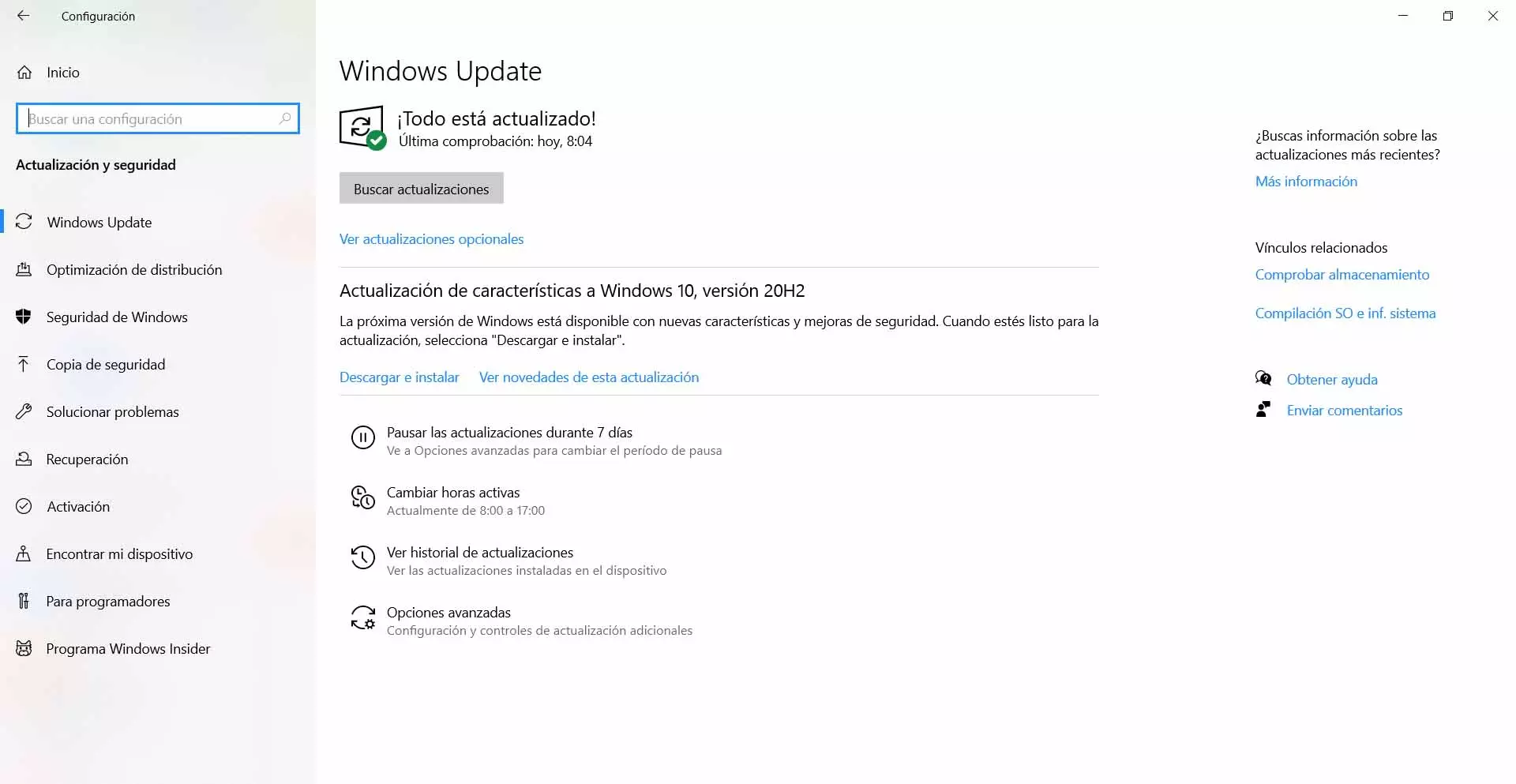
Of course you must have everything updated. It is essential to have the operating system with the latest version available, since in this way you will prevent vulnerabilities from being exploited. In the case of Windows you have to go to Start, enter Settings and go to Windows Update. There it will show you possible new versions.
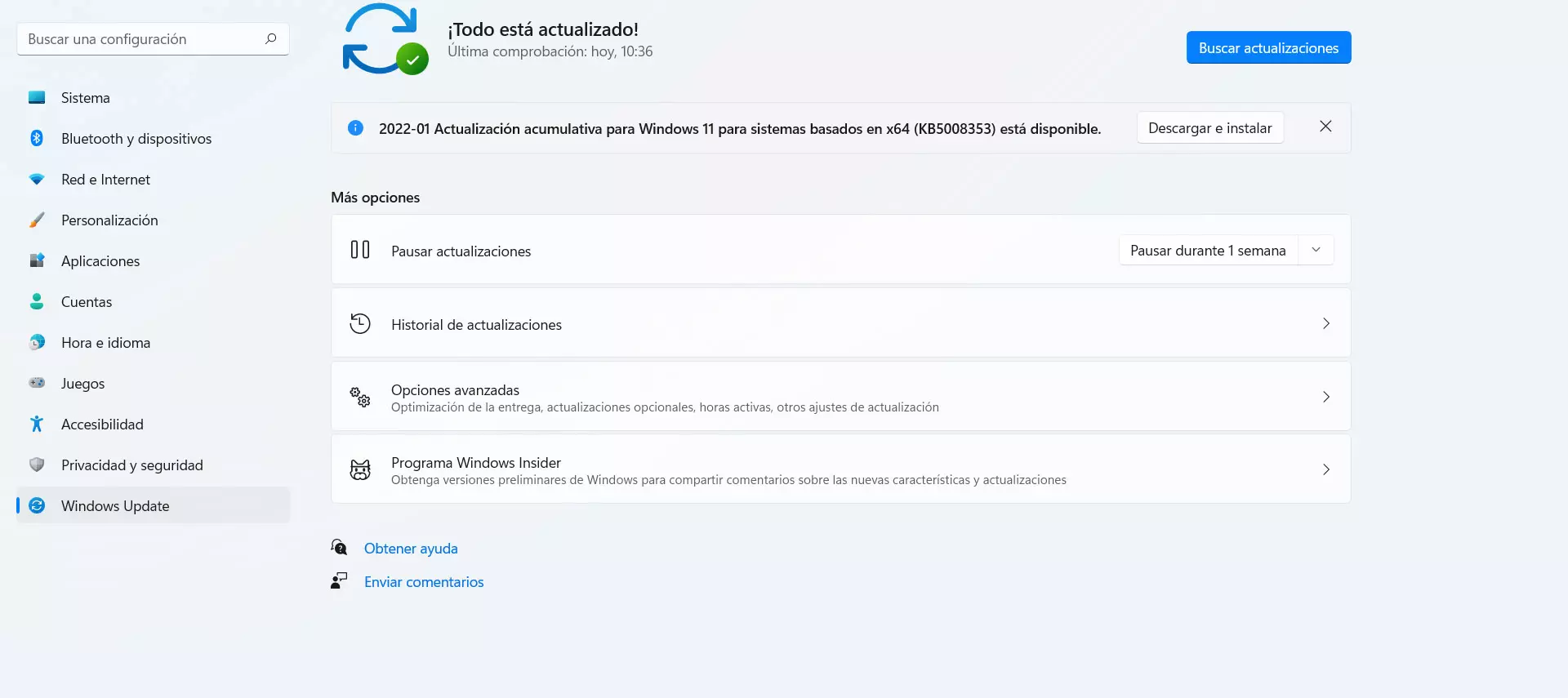
This is something you should do on a regular basis to make sure you always have everything up to date. Some varieties of ransomware will need to exploit a security flaw to sneak into Windows, so having everything up to date is essential to avoid problems.
Use only official programs
One more tip is to use only official apps. This means that you should download the software from legitimate sites and not use third-party programs. It is true that sometimes you can find certain interesting features, but you would be putting security at risk and it is not convenient.
This also includes any plugins you are going to install. You should always download them from official and safe sources. It is important to avoid using software that has been maliciously modified to sneak ransomware or any other variety of malware on the network.
In short, as you have seen, there are different types of ransomware. It is important to be properly protected and prevent this type of malicious software from stealing personal information or compromising our security when browsing the Internet.