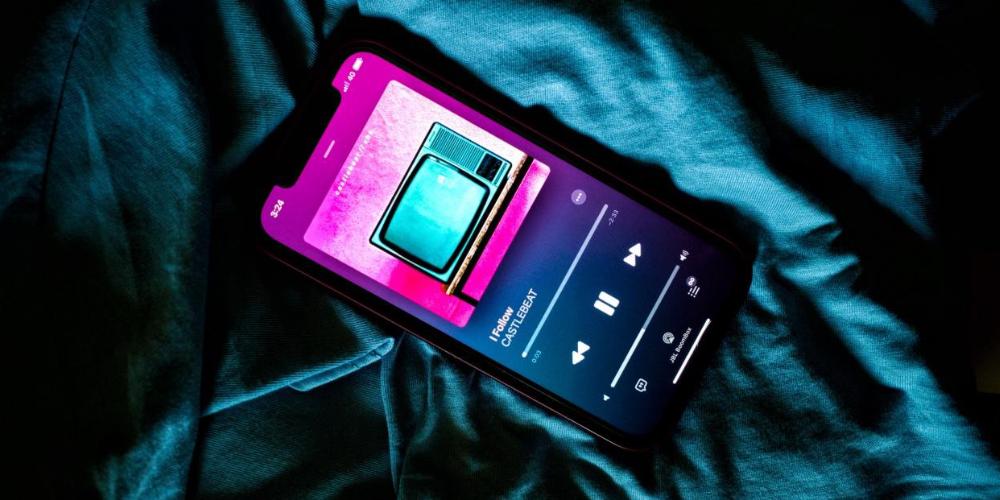
With the arrival of iOS 17, Apple has presented very interesting news regarding the AirDrop function. Until now, it was the service with which we could transfer files between different devices on the block. However, thanks to what is about to arrive, it will be a much more powerful and versatile transfer tool with more uses.
Now you can transfer much more than files
Until now, the file transfer system was done through the different options that we have available for sharing. However, beyond photos, videos and links, contacts were out of the equation. Now, thanks to the new function NameDrop we can not only transfer, but exchange our contact details with another person who has an iPhone.
And the way to do it is much faster, more intuitive and attractive. And it is that, instead of resorting to the options to share content, now it will be enough for us to bring the two phones closer to each other, which we want to exchange contact information. Automatically, when the two phones are detected, they will make our contact information appear on the screen, ready to be sent.
Nothing happens if the devices move away
One of the limitations of use that until now AirDrop had was the physical distance at which the devices had to be found, to carry out the transfer correctly. However, this changes with iOS 17.
If we start a transfer, but both devices move away, it will no longer be a problem if we have an internet connection. And it is that the file transfer will continue, but through iCloud servers. In this way we will make sure that the information has not been lost along the way and, therefore, avoid having to carry out another complete transfer.
It will be much faster to transfer files
The detail of placing two iPhones, next to each other, to send information from one device to another, will be the new sharing function. And it is that, as we have said before, to transfer information we had to expressly select AirDrop to share.
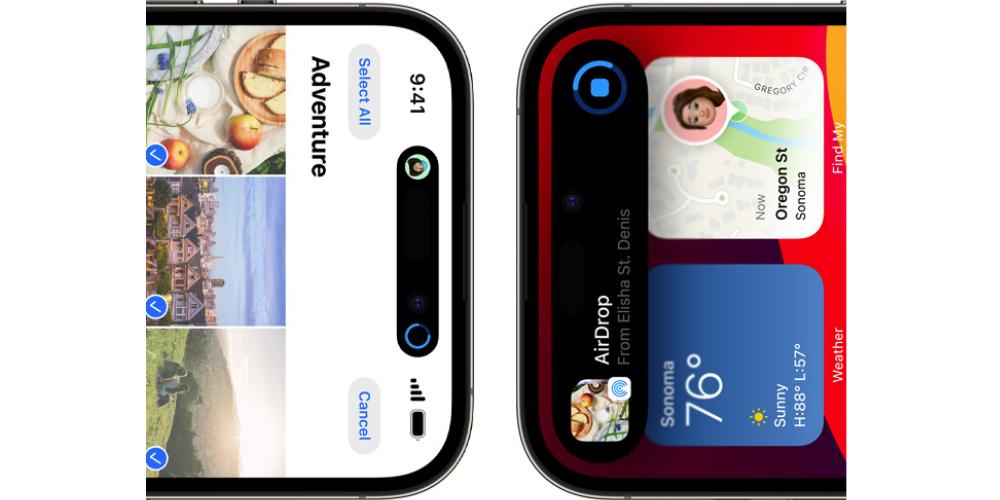
However, now we are going to have at our disposal the person (or people) who are nearby, so that we can transfer what we want. Whether photos, videos or links. Thus, the process is streamlined and it is no longer necessary to repeat the same steps to open the menu.
Certain contents are blurred in the thumbnail
When we receive a file via AirDrop, we see a thumbnail of what we are going to have on our iPhone. At first, it seems like a good idea to know what we are going to see. However, there are times when the images we can receive may be inappropriate in certain contexts.
That is why, with iOS 17, images of explicit nudity or very shocking content, if they are received by people we do not know, will be censored in the thumbnail. However, thanks to the “View” button, on the thumbnail itself, it will allow you to remove the “fog” from the image, in order to see it, before receiving it on the phone.