Mobile programs that affect Wi-Fi
you may have some application that slows down your connection, either at a specific moment or permanently. Therefore, it is convenient to know what may be causing the Wi-Fi to be slow on your mobile and thus take measures to solve it as soon as possible.
A bad antivirus or firewall
The first thing that can happen is that you have some security program that is affecting the connection. Of course having an antivirus is important, but you should keep in mind that not all of them work equally well. You may have one installed and it is slowing down the connection or the system itself.
Something similar can happen with a firewall. It could even block the Wi-Fi connection. Therefore, take a good look at which application you are going to install. You can review comments, see ratings from other users and, ultimately, make sure that this application is going to be reliable.
VPN
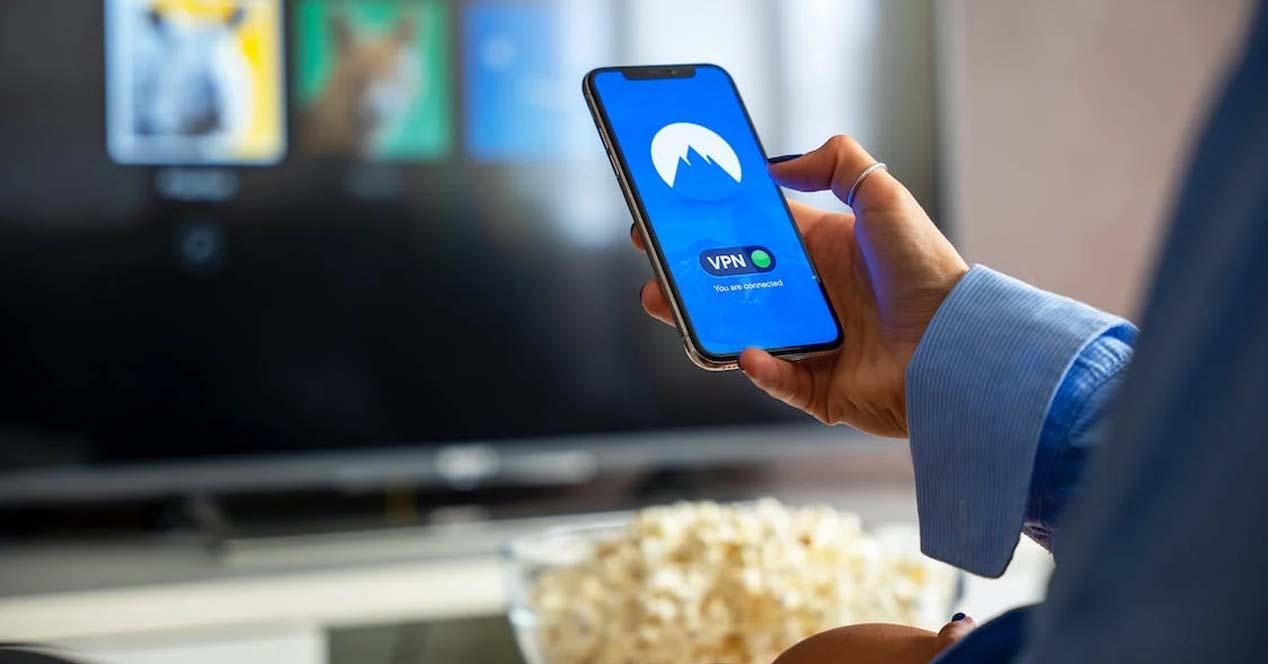
You may also have problems with a VPN. If you browse through this type of application, it is possible that the connection slows down excessively. Logically, it will always lose speed, but depending on whether the program you use is better or worse, you may have more or less problems with Wi-Fi.
Again, the ideal is to install a quality VPN that offers guarantees. If you can use one that has multiple servers, the better. In this way you can choose which one you connect to and thus avoid speed problems.
Background downloads
In this case you may be downloading something in the background. For example, a download application, the browser, a game, etc. Anything that may be consuming connection resources could affect Wi-Fi and cause it to start slowing down on mobile without you knowing why.
What you can do is keep an eye on background downloads. Check which applications are working and in case you need the connection to go better, you can close any program that is started.
Software update
Another reason is that there is some software update in process. If you’re connected to Wi-Fi, certain apps could automatically be updating or even downloading a new version of the operating system. Unless you have it configured otherwise, this is something that happens automatically.
Therefore, if you suddenly see that the Wi-Fi starts to slow down, this could be the cause. Check if there is any update that is running and to prevent that from happening you can configure it to be manually.
Some malicious app
It could also happen that you have installed some malicious program, false, and is causing problems. This can happen when you install apps from unofficial sources. It could be a virus, spyware, or any software that is actually not legitimate and can cause Wi-Fi to go bad as well.
Always install apps from secure sites, such as the Google Pay store. Also, it is a good idea to have a good antivirus to detect malicious software that could compromise your system.
As you can see, there are several programs that could be affecting your mobile Wi-Fi connection. It’s important to always check what apps you have running, install them from legitimate sources, and avoid potentially dangerous software. The objective is to prevent Wi-Fi from going slow on the mobile.