Depending on whether or not the equipment is specifically designed to run games, we can make a series of adjustments to the equipment to improve, as far as possible, the features it offers us.
Prevent equipment from overheating
Processors, like graphics cards, get excessively hot when used at full capacity. To prevent them from stopping working, they include fans so that the heat generated inside them moves freely, giving the opportunity for less hot air to enter from the environment.
Laptops include different vents on the sides and/or bottom. If we place the computer on top of a sofa, article of clothing or a cushion, we are blocking air vents and we prevent the heat that is generated inside it from escaping. The best thing we can do to avoid this is to use the laptop on flat wooden or glass surfaces, avoiding any metal surface.
Change fan speed
On the internet we can find a large number of programs that allow us to know and manage the speed at which the fans inside it rotate. Depending on the performance of each equipment, we can modify the speed of the fans so that the operating temperature down a few degrees and the team offers us a better performance.
Close all background apps
If we are playing games, we are not editing an image in Photoshop, browsing the internet or writing a document in Word. If we want the team to allow the game get the most out of itthe first thing we must do is close each and every one of the applications that we have open in the background and that are not necessary for the operation of the equipment.
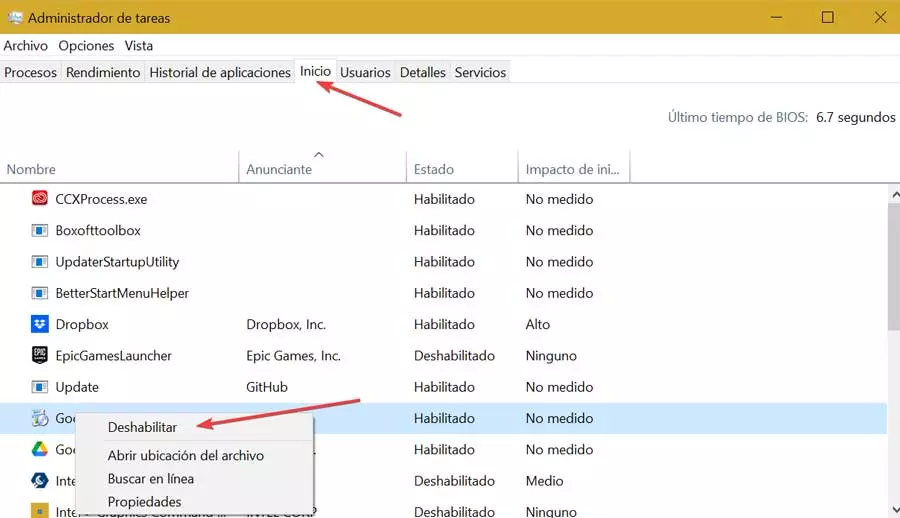
We can close the applications manually or using the Task Manager through the Processes option, selecting the applications that we are not going to need and clicking on the End process button.
Adjust game graphic levels
Another section that we must review is the graphic quality section. The higher the level of detail, the computer will need more processor and graphics power. If these are limited on our team, we must enter the configuration options and play until we find the best performance according to our team.
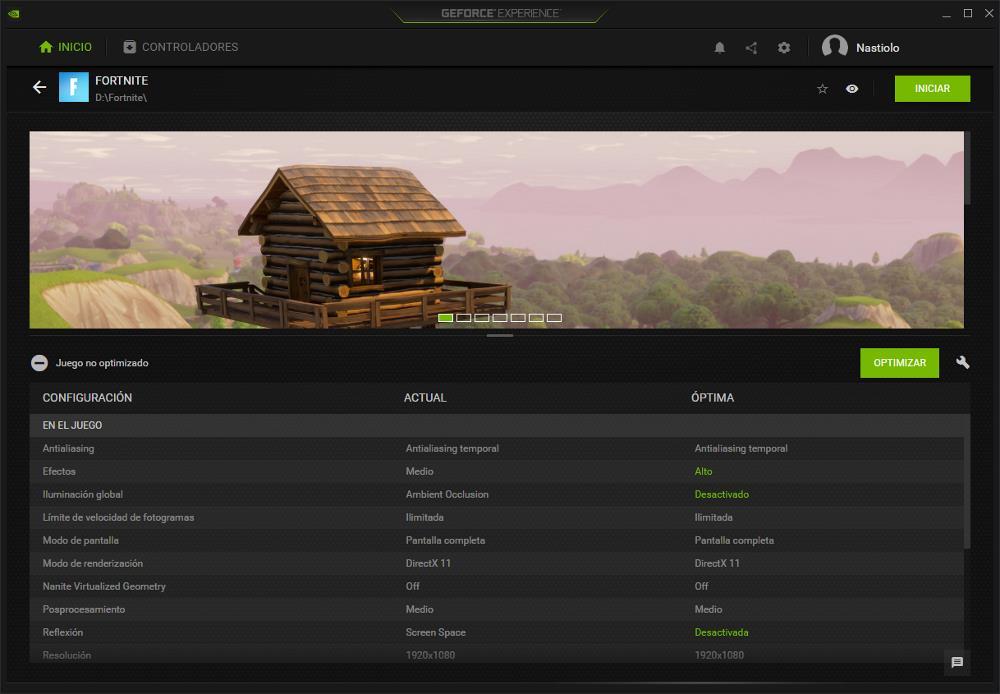
If we don’t know which options to modify, we can use the graphics application of our team. Both NVIDIA and AMD include a system that, based on the equipment’s performance, automatically adjust the best graphic options to enjoy the best possible experience, without jerks.
Forget the battery
Whenever we go to play, we must connect the equipment to the electrical network, not only because any game consumes a large amount of battery, but also because in this way, we will be able to get the most out of it to our processor and graphics, components that will not be limited to the power offered by the device’s battery.
Windows automatically includes and manages different power plans that, depending on the power source you are using, can get the maximum power from both the processor and the graphics card and thus offer the greatest possible fluidity within its possibilities.