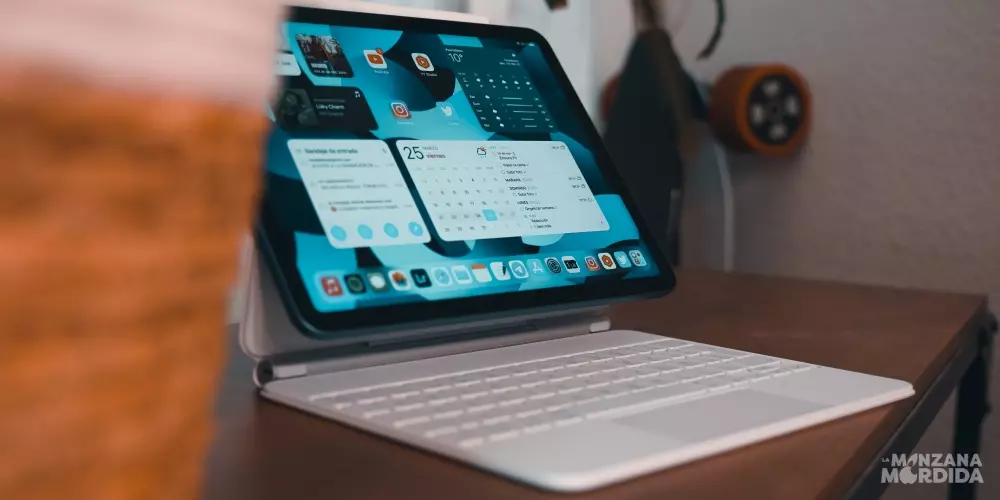
How to download old apps
If you want to download an old app on your iPad because an update doesn’t convince you, you should know that there are several ways to do it. You will be able to download old apps on a newer iPad or if you have an old iPad that can’t be updated anymore, you can do that too and it will be much easier.
From the App Store
If you turn on an old iPad with a very old version of iPadOS, which you can’t update, and try to download anything from the App Store, having such an old operating system will almost certainly fail the installation for the vast majority of apps, even if that app is old enough to have an old version of the OS.
If you want to download an app on an older operating system, you will have to purchase or download the current version of the application from a newer device like an iPhone in order to access the older version of the app. This is because Apple’s policy is that if you’ve purchased an app, the app should be available to any device in your personal collection that wants to download it. When an older device requests a new app from its library, rather than from the iTunes Store, it will look for a compatible older version, and if one exists, it will get it.
We are going to use the popular YouTube video application as an example for this tip. If you try to download YouTube from an old device, which is currently listed on the App Store and requires a higher operating system than your iPad, you will get an installation error and you will not be able to get it.
To get YouTube on your iPad, you’ll need to use a newer device and download an iPad compatible app. Download this app as usual, but you will always have to have the same Apple account on both devices. Once you have downloaded it, go back to the old iPad, and go to the “Purchased” tab in the App Store. You can download the compatible version of YouTube on your iPad from there. Keep in mind that there will be many of the new features that you have in the app on a current device will not be available.

From iTunes
Recent versions of iTunes no longer allow the download of applications, since they no longer have the App Store integrated. For this reason, you will have to download the iTunes version 12.6.4 from a website that allows you to do so. Once you have it downloaded on your computer, open iTunes and find the application you want to download from the bar at the top right. Select it in the list of results and click Get. Sign in to iTunes with your Apple account and wait while the download takes place.

When finished, open the App Store on your iOS device. Make sure you’re signed in with the same Apple account that you used in iTunes. Next, go to updates > Shopping. Tap the cloud button next to the desired app. A window opens offering you to download a previous version of the application. Confirm the download by tapping the Download button. After downloading and installing, you will be able to use the application on your device.
If you have an old iPad, the process is made easier
You may not know it, but since the App Store allows you to download the most up-to-date compatible version for the operating system you are using. However, this option is not very visible, so we will tell you about it step by step.
- Go to the App Store and make sure you’re signed in with your Apple ID.
- Look at the bottom for the “Bought” and click on it.
Once inside Purchased you will have to do the following:
- Click on All.
- Use the search engine to search for the app you want to download.
- Click on it in the cloud icon with an arrow.
- It will ask you if you want to download the latest supported version.
- Click on Discharge and ready.

The download will start and you will be able to use it on that device. It must be taken into account that, previously the application must be associated with our Apple ID. If you downloaded it at the time, you can download it now. Otherwise, no. You also have to take into account that there will be apps that you cannot download in any way because they have been developed in a later iOS. For example, if an app is made for iOS 15, it is impossible for you to download it for an earlier version.
Is it recommended to do it?
Without a doubt, it is the best way to keep an old device alive and use it even if it cannot be updated. There are those who use their old iPad so that the little ones in the house have their own device and there are also those who use it as an electronic book, cookbook or movie or series viewer. It is a very good way to give a second life to an iPad that can no longer offer the same features as when it came out.
However, people who prefer to have older apps on up-to-date devices may experience a bit of a problem. One of these small errors may be that the device works slower, and without a doubt what can have the most influence is that by having the old version of an app, you will not be able to enjoy the advances and improvements that have been made. It may also happen that the app crashes while you are using it, due to the above mentioned. If you want to keep an old app, keep in mind everything that we have told you, you will also have to take into account that it is somewhat complicated to get the old versions if you have already updated your device.