Such is the case, we refer to its enormous growth, that at the moment a good part of the habitual users of these services are registered in several. This means that we have the opportunity to enjoy those remote storage spaces of several platforms in order to have a greater number of gigabytes. First of all, we must bear in mind that most of these remote storage services offer us a free mode.
This is limited by a series of gigabytes that they offer us to use in our personal account established in their servers. From there if we need to increase this remote storage space, we will have to start paying for it. However, a good solution to use these services for free is to sign up for several of them and take advantage of their free subscription. But of course, this can present a serious inconvenience, and that is that, if we use many of them, we have to change from application to application to manage their content. Sometimes this can become a mess or something really annoying.
In this situation, we are going to offer you a simple solution through two programs that will allow you to join these cloud storage services.
This means that we can work with them simultaneously, all from a single user interface. As you can imagine, this will make things much easier for us and will allow us to save time when work with multiple platforms of these features.
CloudMounter, the entire cloud in one program
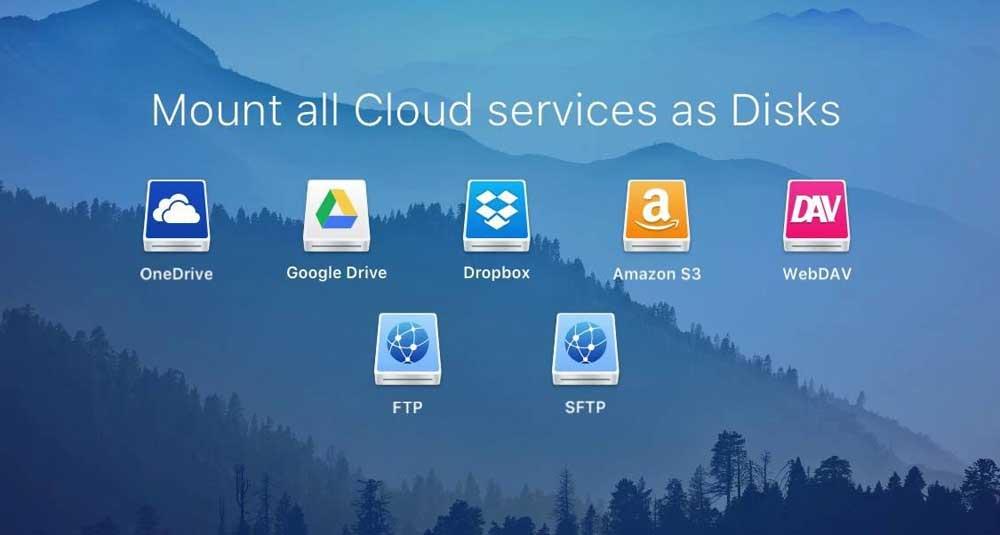
On the one hand, we find the software called CloudMounter, a program specially focused on these tasks. It is worth mentioning that we can use this software on our computers based on both Windows and macOS and that it allows us to work with several platforms in the cloud simultaneously. It is compatible with some of the most common options of this type such as OneDrive, Drive, drop box and many more. Of course, something that we must keep in mind in this case is that it is a commercial program, although it makes a trial version available to us.
This will allow us to take a first-hand look at the application to see if it meets our needs when working with various cloud storage applications. One of its main advantages is that it allows us to take advantage of its functions directly from the windows file explorer.
Cyberduck, the free alternative
But that’s not all, since it can also be the case that we look for a similar alternative, but without paying a single euro. For this we have Cyberduck, a program compatible with platforms such as OneDrive, Google Drive, or amazon S3 among others. In fact, this is a project of Open Source very useful for these tasks that we discussed and attractive for most users.